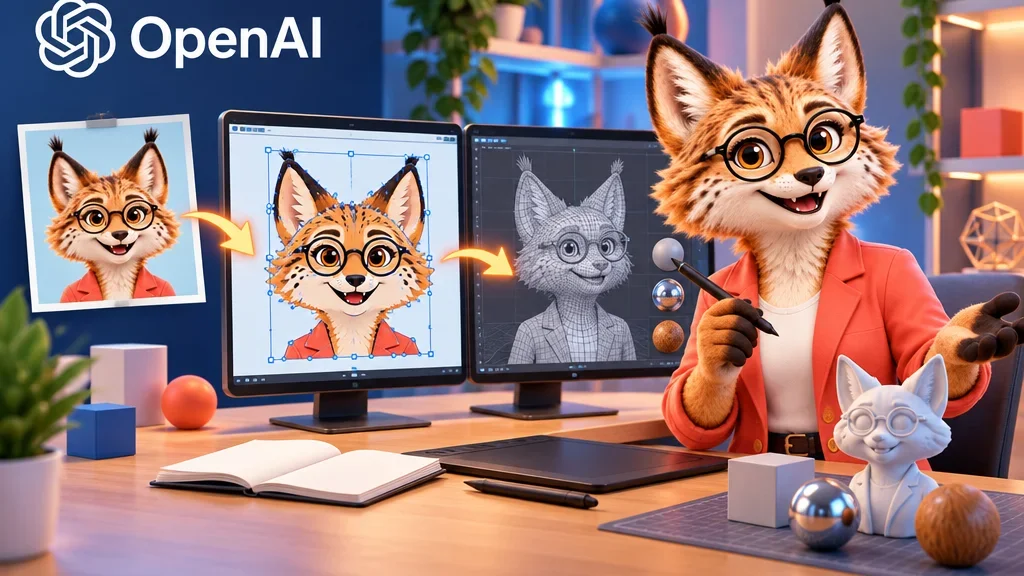
A moth’s wing markings can give an app icon its character at full size. Shrink the icon to fit a toolbar and the smallest marks can disappear. OpenAI’s SVG & 3D Design plugin gives Codex a way to work through that decision using a visual reference and an editable file. It includes a skill that gives Codex reusable instructions for making vector graphics and 3D models.
A reference sets the shape and proportions
You can give Codex a reference image of your own or ask it to draw up a concept with GPT Image. For the icon, specify where it will appear and how small it needs to be. For a 3D object, start with a view that shows how the main parts fit together. Those choices give Codex something concrete to work from when it builds the file.
The skill calls for comparing the reference with a preview of the finished asset at the same scale and framing. That makes it easier to spot whether the proportions have shifted or an important detail has disappeared. If the reference hides how two parts meet, clarify that view before asking Codex to refine the model.
What you can change in an SVG
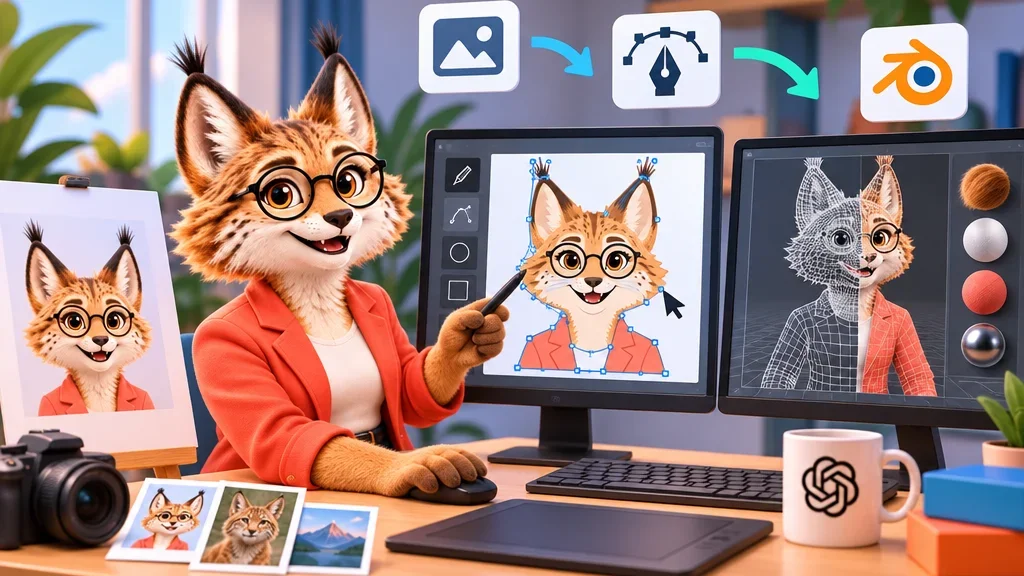
SVG stands for Scalable Vector Graphics. The file describes shapes and strokes in code, so you can edit individual elements and scale the graphic without pixelation. The same moth icon can keep its outlines across light and dark themes while its colours change.
JavaScript, a programming language used on the web, can also move or recolour those elements. OpenAI’s example uses wind speed to change the height and speed of waves in a seascape. If your reference has fine photographic texture, reproducing it as vectors takes many more paths, the lines and curves that define the shapes.
Check the Blender scene from a second angle
You can ask for an editable scene in Blender, a 3D modelling application, alongside a rendered preview showing the scene with its materials and lighting. OpenAI’s directory uses a ceramic desk lamp as an example. The skill calls for inspecting a second view to catch issues such as floating parts or stretched textures, then reopening the exported file to check its shapes and materials.
For an app icon, I’d judge the first draft at toolbar size and ask for one change to a wing marking before approving the artwork. A large preview helps you judge the silhouette. That small edit tells you whether the saved file lets you revise the detail you care about.
Where to find the plugin in Codex
Open the Plugins tab in the ChatGPT desktop app and look for SVG & 3D Design. Install it, start a new Codex chat and ask to use it for the asset you need. The online directory entry also offers a link to open the plugin in the desktop app. Codex’s IDE extension, which runs inside a code editor, does not support plugins.
Ask AI about this article
Opens in a new tab with the question filled in.