

Before your first meeting, you want to see what’s on your calendar and which emails need a reply. Nod can pull that briefing together on a schedule. It can also draft replies and leave the decision to send them with you.
n8n Labs announced Nod on November 11, 2026 as a research preview. It’s a free, open-source app under the Apache 2.0 license, built for one person. You can use it without an n8n account. An AI agent can take steps toward the outcome you ask for. Nod has its own browser and a private Linux workspace for running commands and keeping files. It can also read and act in apps you connect.
A morning briefing needs a computer that’s awake
You can run Nod on a Mac with macOS 14 or later, on Windows 11 with WSL 2 and virtualization, or on Linux x64 through the Flatpak preview. Another option is to run it on your own server with Docker Compose, which runs the app’s services together.
On a local desktop, scheduled work runs while Nod is open and the computer is awake. If your laptop is asleep when the briefing is due, Nod runs it once when the assistant is back online. A server that stays running and connected can prepare the briefing with the desktop app closed. You can check the same conversation from your browser, Telegram or WhatsApp.
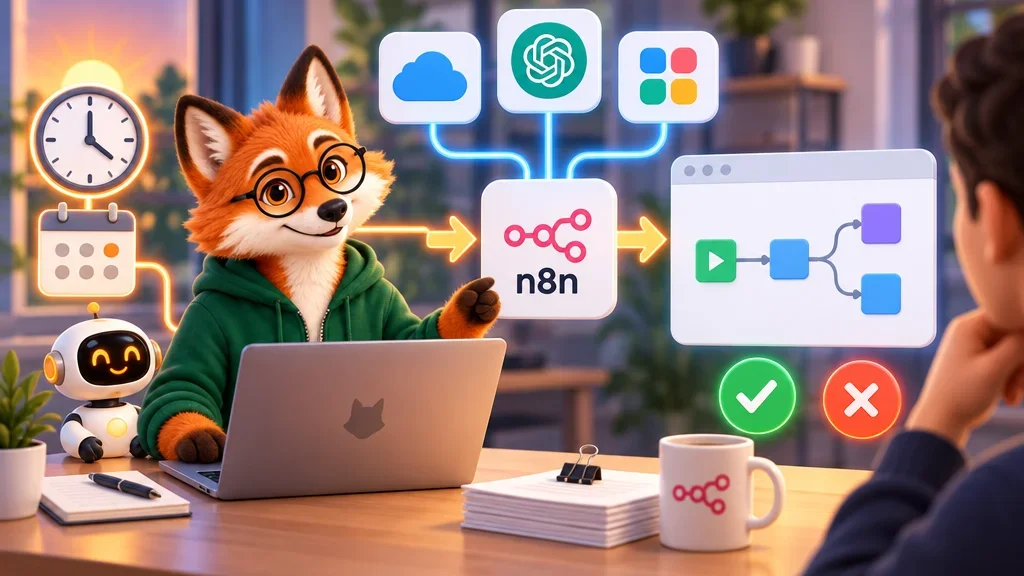
Where your model and app connections send data
Nod connects to a model you choose. You can use a supported provider’s API key, sign in with ChatGPT Plus or Pro, or connect to a model you run through a service such as Ollama. Nod’s docs call for a local model that supports tool calls, which let it request an action such as reading a calendar. They also specify at least 64,000 tokens of context, the amount of information the model can handle in a request.
Model requests go to the selected provider or model server. App data follows its own route. With the default Gmail or Google Calendar connection, for example, requests and results pass through n8n’s hosted connection service and Composio. Running Nod on your own computer lets you choose where the assistant runs. To understand where work data goes, check the model and each app connection as well.
When Nod asks you to decide
When you ask for a task, Nod can ordinarily read and draft within the limits you set. Before a connected app action or a browser step that could send, submit or change something, the server checks whether you authorized it. A request to draft an email leaves the send for you to approve. Text from an email or a website can’t grant permission. An AI model helps judge what your words authorize, and it can misread them.
Who takes the next step? I’d start by giving Nod the morning summary and keeping any outgoing replies for review. You get the time back from sorting the inbox and can still see who will receive each message before it goes out.
From a chat request to an n8n workflow draft
If you connect n8n with MCP enabled on your instance, Nod can build a workflow there. MCP, short for Model Context Protocol, is the connection that exposes n8n tools to Nod. Your n8n permissions and MCP settings decide which workflows it can reach.
Suppose you ask for a workflow that records form submissions. Nod can build it and test it with sample data. During that test, n8n substitutes sample data for steps that call outside services, so you can review what those steps would send. The new workflow stays a draft until you ask Nod to publish it. That gives you a clear point to review the test and set up any credentials the live workflow needs.
Ask AI about this article
Opens in a new tab with the question filled in.