“What if gravity disappeared for a day?” is enough to start a narrated video in Higgsfield Content Factory. The tool turns the question into a scene-by-scene script, casts characters, generates the visuals and voiceover, and assembles the video without an on-camera presenter.
Choose a preset that serves the story
Higgsfield lists more than 50 presets. A whiteboard style can clarify a step-by-step explanation. Layered paper sets can give characters room to move at different depths. For a first attempt, I’d choose the look around the most important beat. If viewers need to follow cause and effect, making that relationship easy to see is worth more than adding detail to the set.
Generate your first video on the web
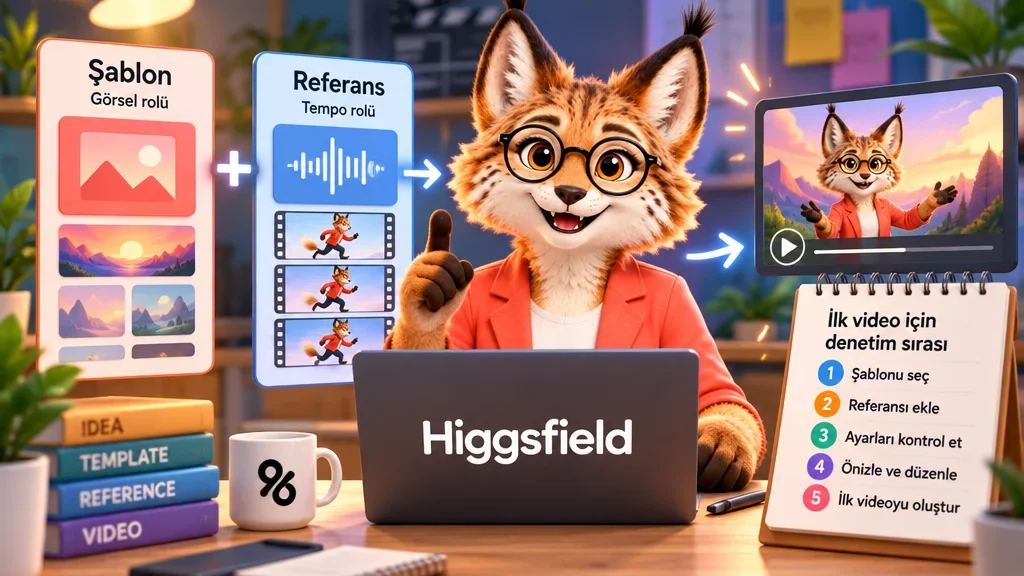
Open Content Factory from Higgsfield’s top menu, select a format and type your hypothetical question. You can add a TikTok or Instagram link if you want to show the tool a particular opening or pace. Higgsfield uses the link to guide the format and pacing. Choose a length from 15 seconds to five minutes and select one to four episodes, then generate the video.
Watch the first cut from beginning to end
Check whether the opening makes the question clear, each scene moves the story forward, and the ending answers the question. Listen for moments where the narration and visuals fall out of step. If the story makes real scientific or historical claims, verify those lines before publishing. This is also where you can judge whether the reference helped. The pacing should carry the new story on its own terms.
Ask AI about this article
Opens in a new tab with the question filled in.