
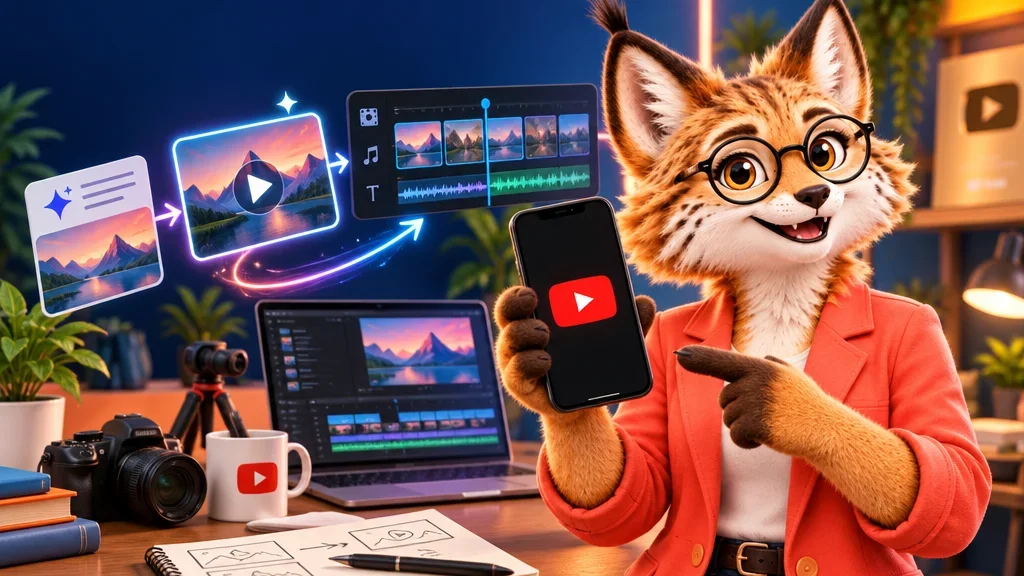
If your edit is missing a cutaway, YouTube Create can generate one on your phone. Gemini Omni makes landscape or portrait clips up to 10 seconds long. YouTube offers the feature experimentally to a limited number of creators in selected markets, including Türkiye. Being in a supported country does not mean the tool has reached every account there.
Check your device and find the tool
YouTube Create runs on Android phones with at least 4 GB of RAM and on iPhone XR or newer with iOS 17 or later. Sign in with your YouTube account. Open video generation from the home-screen banner or the Generate Video tool at the bottom of the editor. The editor may also offer it when you add a new clip or overlay.
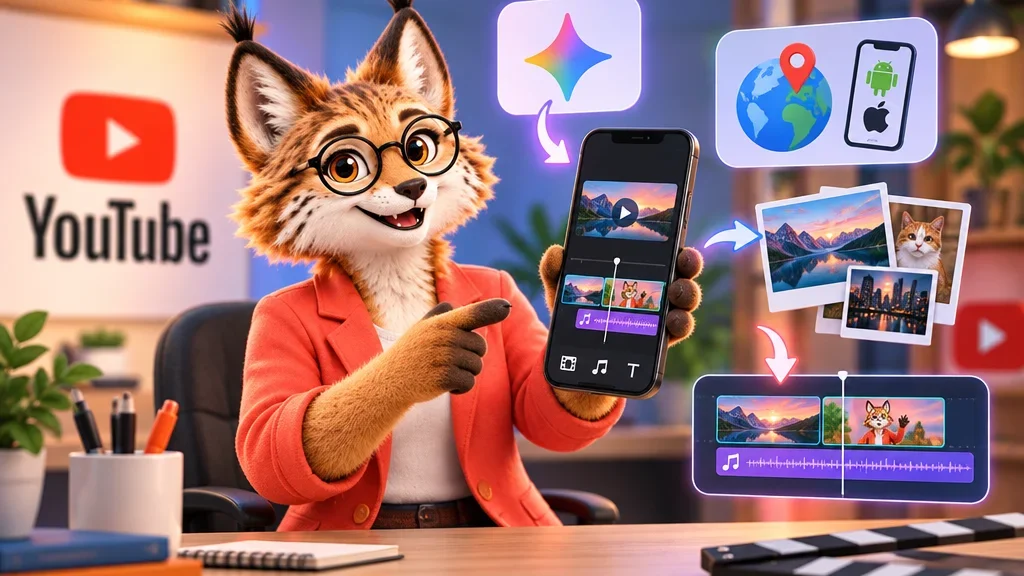
Describe the shot and add it to the timeline
Describe the scene in up to 900 characters. You can attach up to three reference images from your gallery to guide the look of a person, object or location. Choose portrait 9:16 or landscape 16:9. Pick a lighting preset if it suits the scene and describe any sound effects or spoken language in the prompt. After generating the clip, select Use Video to add it to your timeline.
Use the ten seconds for one shot
For a first clip, one clear movement is a useful target. If you need a cutaway, matching the aspect ratio of the shots around it will make it easier to fit into the edit. YouTube documents the maximum duration per clip. Its help page does not specify unlimited generation.
Ask AI about this article
Opens in a new tab with the question filled in.