A vertical clip that already works has a recognisable skeleton: a hook in the first second, a cutting rhythm, text that lands at fixed points in the frame. Higgsfield’s new Shorts Studio is built around lifting that skeleton and placing someone else inside it. The company listed the tool in its changelog in November 2026 and published its own step-by-step guide on 6 November. Here is what the documentation actually says, including the parts about cost and rights that are easy to skip.
What Shorts Studio is
Shorts Studio produces a 9:16 vertical video hosted by an AI presenter. Higgsfield’s product page describes it as a way to turn a script into a ready-to-post short for TikTok, Reels and YouTube Shorts. You supply four things: a template or reference video, one character, a voice and a topic.
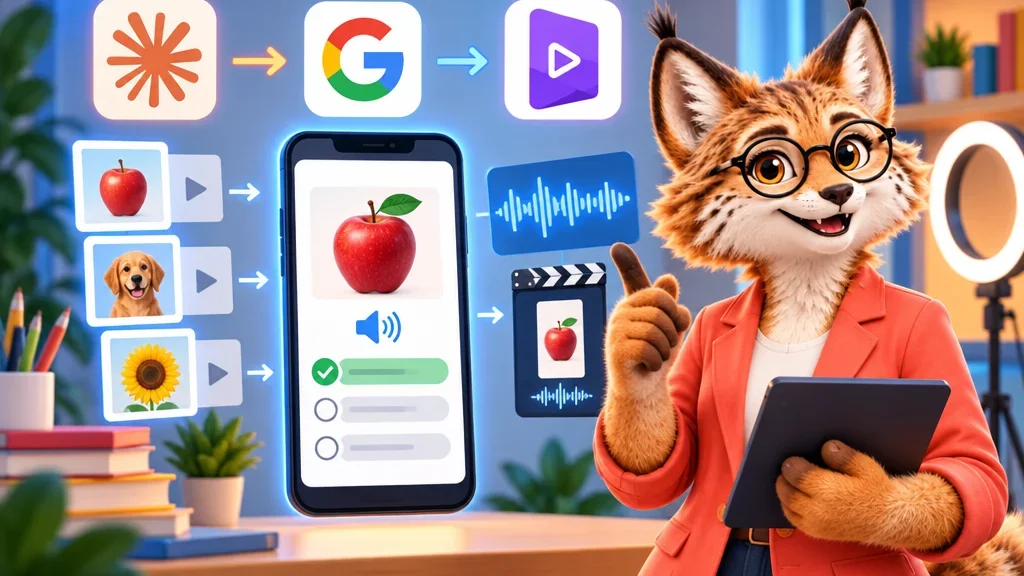
The character can be a single photo or an item from your Uploads, AI Influencer characters, Generations or Liked folders. The voice is Male, Female, Custom or Auto generate, which is the default. The topic goes into a Script window, and the tool writes the script from a topic, a hook or key points. A slider sets the total duration between 10 seconds and 2 minutes, and there are two quality levels: Basic, described as cheaper and faster with medium quality, and High, which costs more and takes longer. The guide’s sample output is a 1080×1920 MP4 with stereo sound.
How Recreate copies a format
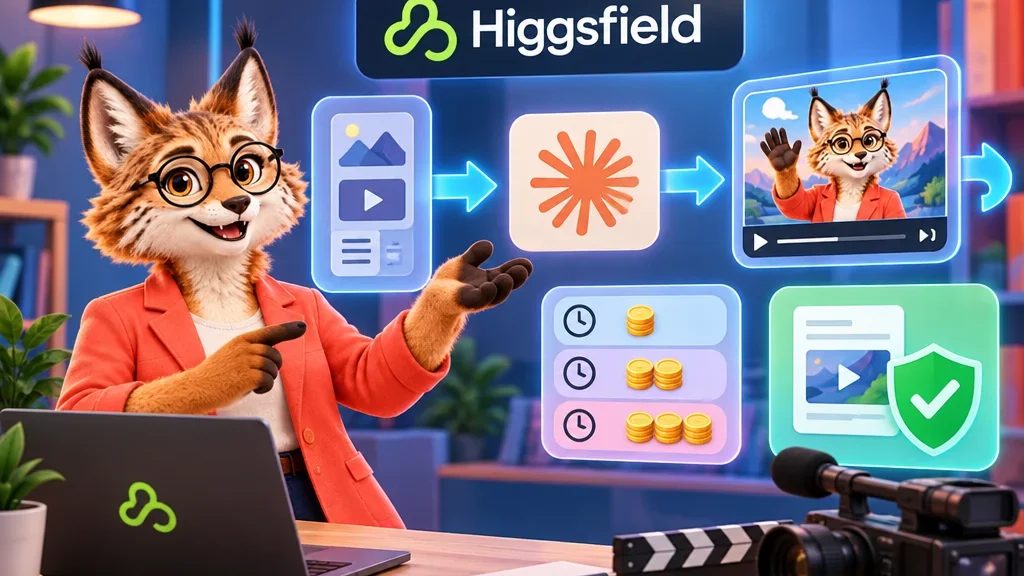
The reference is the heart of it. According to Higgsfield, Shorts Studio copies the pacing and layout of the template or reference video, then replaces the person, the topic, the text and the graphics. You can pick a ready format from the Explore gallery or upload your own reference video of 10 to 120 seconds.
On the web, hovering over a template and clicking Recreate skips the reference step and opens the character step directly. The gallery cards each carry one or two numbers, but the page does not label what they measure, so I would not read them as a promise about how your version will perform. Same idea, a different frame: the structure is borrowed, yet the result is a new video that has to earn its own audience.
What Claude does in the process
The second route runs through Claude. It relies on MCP, the Model Context Protocol, a standard that lets an AI assistant call external tools. Higgsfield’s help centre describes the setup: in claude.ai or Claude Desktop you open Settings, then Connectors, choose Add custom connector, name it Higgsfield, enter the MCP server address given on the help page, click Connect and authorise your Higgsfield account.
After that you either click Recreate in Claude on a Shorts Studio template or simply ask Claude to make a Short. The division of labour matters: Claude handles the conversation and the instructions, while the generation itself runs in Higgsfield, and the finished video is saved to the History tab in Shorts Studio. One documented limit: reference images cannot be read straight from the chat. You upload them through a Higgsfield upload window, import a direct image URL, or point to past generations, Elements or Soul characters.
What a short costs
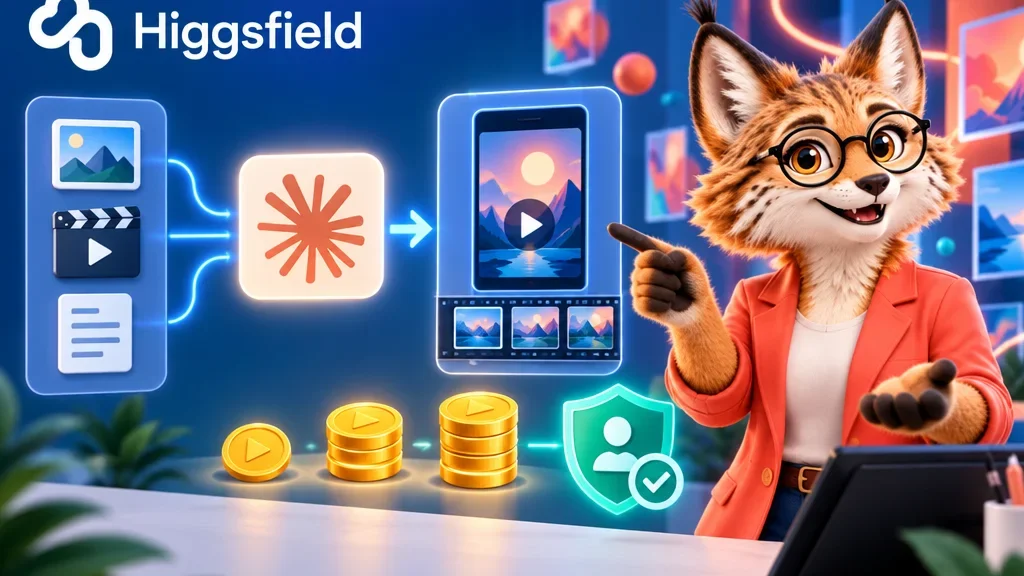
Shorts Studio is billed in credits, and the cost scales with length and quality. Higgsfield’s guide, which says the prices were checked on 7 November 2026 and may change, lists $49 for 1,000 credits and the following consumption.
15 seconds: 90 credits in Basic, 240 in High (about $4.41 or $11.76). 30 seconds: 180 or 480 credits. 1 minute: 360 or 960 credits (about $17.64 or $47.04). 2 minutes: 720 or 1,920 credits (about $35.28 or $94.08).
Most failed generations return their credits automatically; completed ones are charged. The Claude route adds its own conditions. The help centre states that an active paid Higgsfield subscription is required, that every generation through a connected agent deducts credits regardless of plan, and that unlimited model access and free generations do not apply through MCP. There is also no built-in credit cap. You can tell the agent to stay under a limit, but Higgsfield itself notes that this is not a hard limit.
That last detail shapes how I would approach the tool. Refining a video in conversation is exactly where it is tempting to ask for one more version, and at High quality a single one-minute short already sits near $47. My inference from the price table, not a tested result: settle the hook, script and framing on a 15-second Basic draft, and spend High credits only once the structure holds.
Rights and platform rules
The pitch is about recreating what is already trending, yet Higgsfield’s own guide draws a clear line. Reference videos should be ones you own or have permission to use, because Shorts Studio copies their motion and layout. Character images need to be yours or used with permission, and if the character is a real person, you need their consent. Product images need cleared rights as well.
Read together, those statements point in one direction, and this is my reading rather than a Higgsfield statement: the formats offered in the Explore gallery are the straightforward path, while a clip you merely came across in your own feed is the case the permission rule is written for.
The guide also lists what YouTube expects. Square or vertical videos of up to 3 minutes count as Shorts, with 1080p as the maximum resolution; a Short longer than one minute with an active copyright claim is blocked worldwide; and realistic AI content should be uploaded with the AI use label in YouTube Studio. Higgsfield’s last piece of advice is the most practical one: read every caption and headline before you publish, since the on-screen text is replaced along with everything else.
Ask AI about this article
Opens in a new tab with the question filled in.