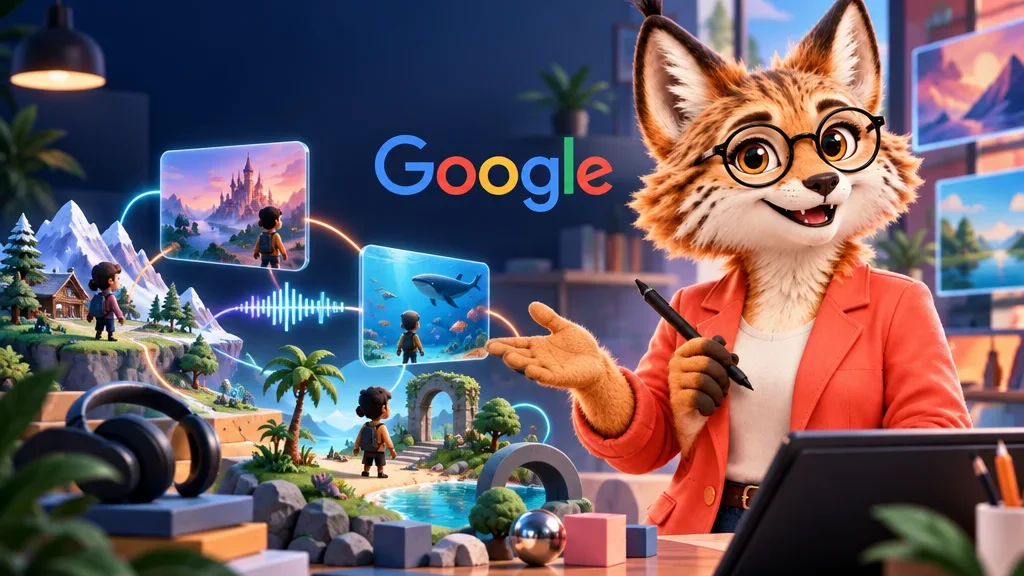
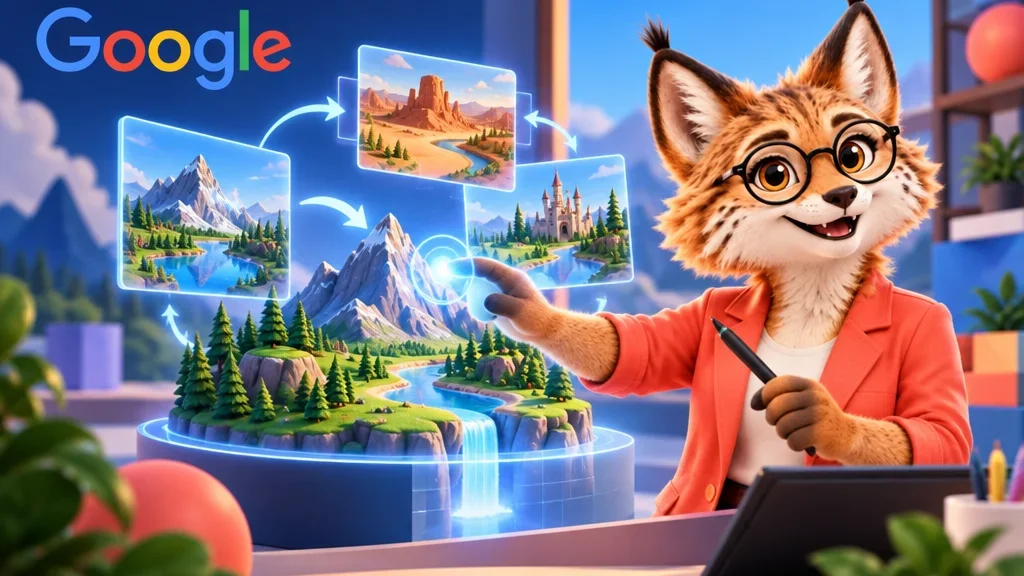
Until now, a world built in Google’s Project Genie behaved a bit like a film set locked before the camera rolls: you described the scene, stepped in and walked around, but the scene itself stayed what it was. On 18 November 2026 Google changed that. Project Genie is getting Genie 4, and with it you can type a new instruction while you are still inside the world and watch the world respond.
What changed on 18 November
Project Genie is Google’s experimental web app for creating and exploring interactive worlds. It runs on world models, meaning AI systems that generate an environment frame by frame in real time as you move through it, rather than rendering a finished video in advance. Google’s announcement describes a new Project Genie experience that brings first-time access to Genie 4, upgrades to the older Genie 3 model, a Project Genie agent and a community gallery.
The headline feature is mid-session prompting. In Google’s words, you can shift the weather, drop in a character or redirect the action without leaving the world. Genie 4 also adds real-time native audio for the first time, from ambient sound to character dialogue, generated together with the image instead of laid on top afterwards. The agent builds worlds from a plain-language conversation, coordinates Google’s other multimodal models and can add a custom background score; it can also remix gallery worlds by changing their structure, soundtrack or rules. Gemini can be brought into a session as well, where it watches the screen, suggests where to go next or triggers events on its own.
Who can use it now, and who has to wait
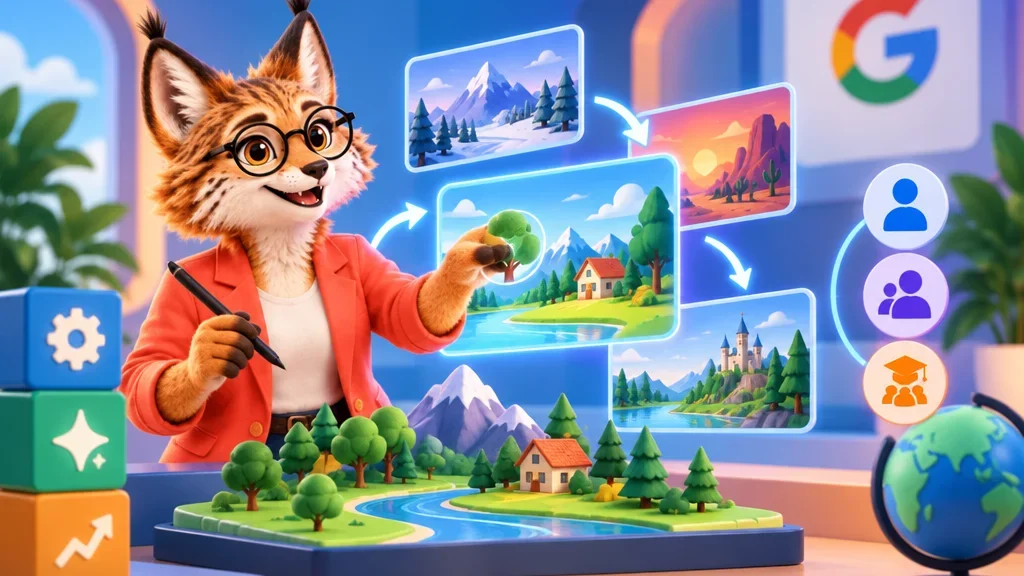
The rollout goes to eligible Google AI Ultra subscribers first. Google AI Pro members can join a waitlist on the same page, and the help centre says access will be granted gradually based on availability. You must be 18 or older and sign in with a personal Google Account, and Project Genie is offered where Google AI Ultra itself is available. Daily usage limits apply and may vary by plan and demand; Google gives no numbers. During early access, generating worlds does not use your AI credits.
How changing a world mid-session works in practice
You move with the WASD keys, jump or climb with the spacebar and turn the camera with the arrow keys; some experiences use their own controls. In many worlds you can also type a prompt to trigger an event, and that prompt becomes part of what the model generates next. Where does the eye go first? In a walkable world the answer is wherever you point the camera, and now the prompt box gives you a second way to steer attention: rain moving in, a figure stepping into the frame, a chase that suddenly turns.
The help centre is frank about rough edges. It lists controls that respond slowly, characters that sometimes cannot be controlled or run backwards (pressing the spacebar resets them), stream quality that may drop under server load, streams that get darker over time and worlds that do not match the input image.
What Genie 3 gained, and how it compares
Genie 3 stays in the model picker and gets meaningful upgrades. A single generation can now run for up to three minutes instead of 60 seconds, and you can chain several worlds together for longer journeys. New worlds can be seeded from 360-degree panorama images, and Genie 3 also accepts natural-language prompts that change the environment while you explore. That last point matters: when Project Genie launched in January 2026, promptable events were explicitly not part of the prototype.
The difference is therefore less about whether you can edit a world and more about how rich the result is. Google DeepMind presented Genie 4 on 27 October as a model with stronger photorealism, more fluid movement, simulated physics such as collisions and natively generated audio, but it published no figures comparing it with Genie 3.
Limits and safeguards
Google DeepMind states that Genie 4 keeps environments coherent over short sessions, but visual details and object permanence can drift, especially in longer simulations, after several complex prompt edits or while moving through the scene. Google’s announcement names camera latency, intricate physical interactions, real-time audio precision and long-term scene permanence as open challenges.
All video and audio generated in Project Genie carries SynthID, Google’s invisible digital watermark, and every input and output goes through safety screening. Knowingly generating harmful, illegal or inappropriate content is prohibited under Google’s Generative AI Prohibited Use Policy, there are extra precautions for minors and uploaded photos of people, and repeated violations can cost you access.
That drift warning is, to my mind, the most practical detail in the whole release. Because Google itself says consistency suffers after several complex edits, the smarter way to direct a Genie 4 world is probably a few deliberate changes rather than a stream of small ones: set up the scene, make one strong intervention, and see what holds. And if what you need is a calm, consistent walk-through rather than a reactive scene, Genie 3’s three-minute sessions and world chaining may be the better tool, even with the newer model sitting right beside it.
Ask AI about this article
Opens in a new tab with the question filled in.