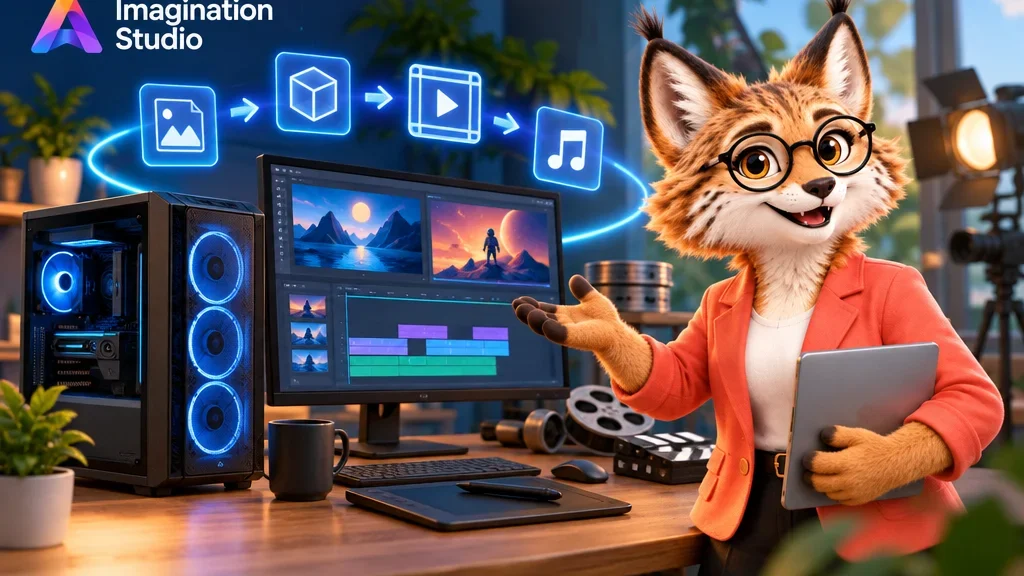
Most AI video today is made on someone else’s servers: you type a prompt, wait in a queue and spend credits. Imagination Studio takes the opposite route. It is an open-source app that puts the whole chain of a short film, from script and storyboard to video with sound, voice, music and the final edit, on your own machine. The catch sits in two places you should check before you install anything: the hardware it asks for and the licences of the models inside it.
What Imagination Studio is and who built it
According to the project’s GitHub page, Imagination Studio is built by a developer known as Keys together with filmmaker Sam Wasserman of Wasserman Productions, and it runs on TensorFold, a runtime written in the Zig programming language that executes model inference through Apple’s Metal or NVIDIA’s CUDA. The app is organised like a small film crew: a story area for scripts, shot plans and storyboards (a row of small pictures showing each shot in order), image and video areas, a sound area and an edit area for takes, colour, mix and export. Projects, renders and uploads stay in a local folder rather than in a cloud account.
According to AlphaSignal, which reported on the project on 2 November 2026, the video engine produces clips of up to 15 seconds with synchronised sound.
Which models it runs
The README lists Qwen-Image-2.1 and FLUX3-K for pictures, MiniMax H3 and its faster variant FastH3 for video with sound, Fish Audio Drama 3 for voices, and MiniMax-Music3 and YuE2 for songs. The studio does not ship these weights itself; the README states that they are not redistributed by the repository and are downloaded during setup.
What hardware you need
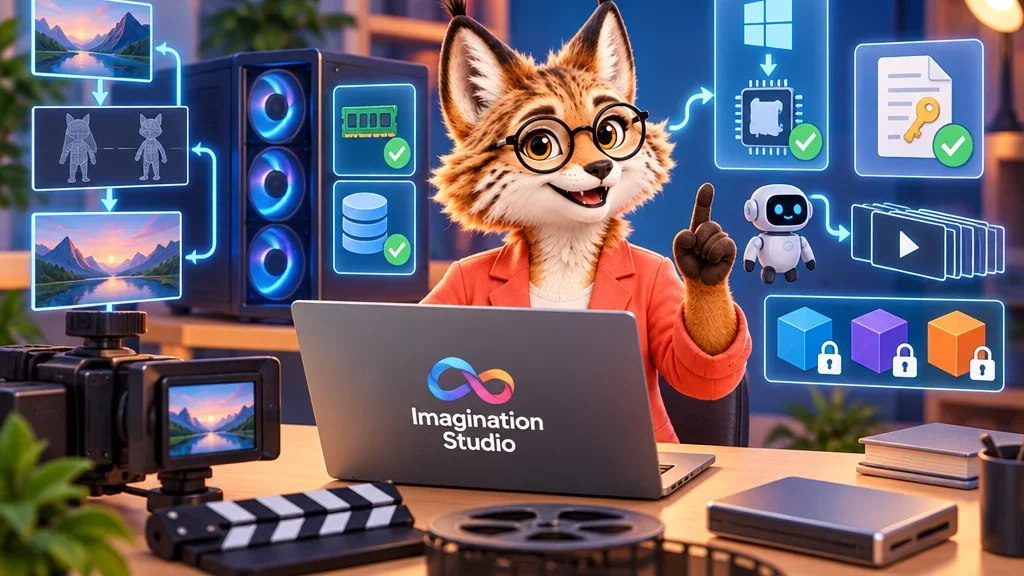
This is not a laptop tool in the usual sense. On a Mac it needs Apple silicon and macOS 26 or newer; the installer asks for 48 GB of memory for pictures only, 96 GB for the standard video setup and 128 GB for the largest features, and the standard setup wants about 185 GB of free disk space. The fast native video path requires an M5-family chip. On NVIDIA’s DGX Spark, with 128 GB of unified memory, the core install needs about 125 GB of disk, or about 400 GB with optional models.
Windows support is narrower than it may sound. The README says the studio runs natively on Windows with no WSL layer, but the native GPU setup targets Windows 11 on Arm with an NVIDIA RTX Spark, and 128 GB configurations are meant for the full feature set. It does not promise support for an ordinary Windows gaming PC. The installer checks memory and disk space before it downloads the large model files.
How Claude Code can drive the studio
The repository includes an MCP server. MCP, the Model Context Protocol, is a standard way for an AI agent to use another program’s functions. Through it, agents such as Claude Code, Codex or Hermes can send jobs to the studio’s own render queue instead of starting models on their own. The agent instructions in the repository tell them to check free memory through the studio’s memory endpoint before starting a model server and to release memory when needed, so that several heavy models do not compete for the same memory.
In practice, you could describe a 30-second product ad in five shots, let the agent write the shot plan, queue a still for each shot and then queue the videos. The studio does the rendering; the agent manages the steps.
Can you use the results commercially?
Only after checking each model. The studio’s code is under the Apache 2.0 licence, which allows free use, including commercial use. The models inside it keep their own terms. The README states that the Qwen-Image-2.1 and MMAudio weights are non-commercial, that MiniMax H3 has territory limits and that Fish Audio’s hosted services need separate licensing. Its own advice is to check each model’s terms before commercial use. For a client job or an ad, that means choosing the model by its licence as well as by its look.
Our assessment
The facts above come from the project’s documentation; what follows is our reading. Imagination Studio is interesting less for any single model than for its structure. A story area for planning, a shared render queue and an agent interface together describe a production pipeline, not a prompt box. That suits small studios and agencies that want to storyboard an ad, test several voice-overs or plan a series without paying per clip.
The limits are just as clear. The memory and disk requirements put it out of reach for most home computers, the Windows path depends on very specific hardware, and the mixed model licences make commercial use a case-by-case decision. Working locally removes queues and credits; it does not remove the need to read the terms. If you already own suitable hardware, the sensible first step is still images and storyboards, not straight to video.
Ask AI about this article
Opens in a new tab with the question filled in.