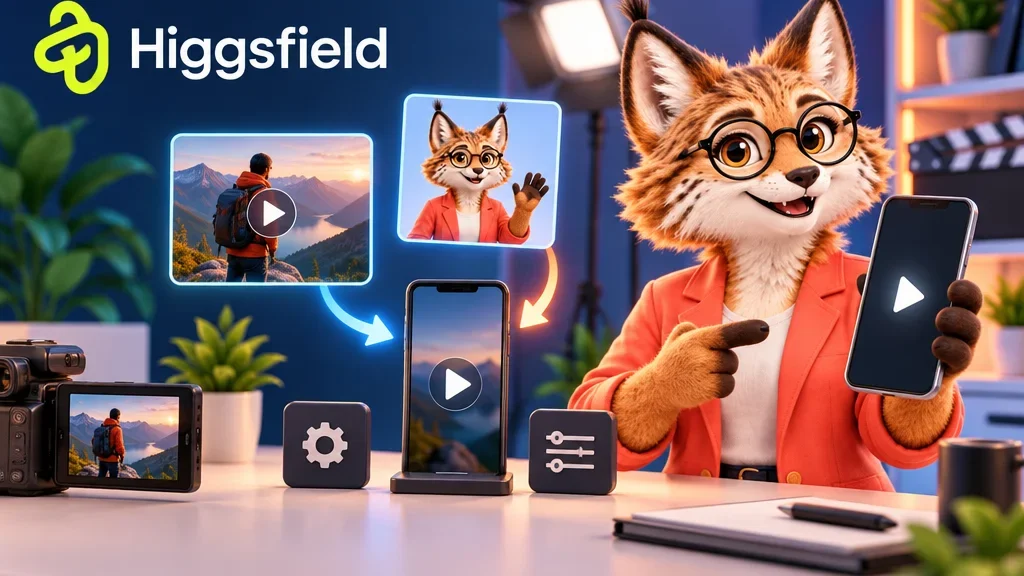
You’ve filmed yourself showing how a bag opens. The shot has your explanation, but the viewer can barely see the clasp. With Higgsfield Shorts Studio, you can use your recording as the basis for a vertical edit or build a clip around a digital presenter. Higgsfield lists the release on 3 November 2026. Its AI-presenter workflow uses a 9:16 frame, the tall format used by short-video feeds.
Start with your own footage
Upload a video of yourself speaking. You can add a script, extra clips or a reference video to guide the edit. Higgsfield says the tool uses your speech to place visuals, motion and on-screen text. A close-up can appear while you’re talking about the clasp. You can steer the look and pacing with a preset, a ready-made set of choices, or by supplying a reference clip.
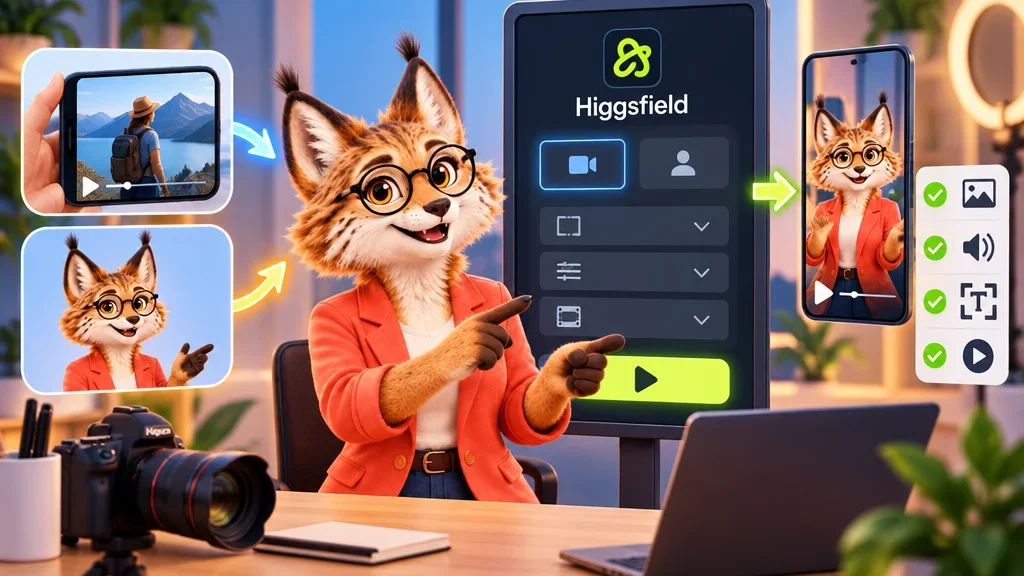
Build a clip around an AI presenter
Pick a digital character and a voice, then give the tool a topic or a few key points to turn into a script. If you supply a motion reference, use a clip between 10 and 120 seconds long. The tool uses it to guide how the presenter moves. The resulting short can run up to two minutes.
Check the cost before you generate
You can generate on Higgsfield’s website or from Claude through Higgsfield MCP, the connection that lets Claude call the tool. In the AI-presenter workflow, the length and the Basic or High quality setting determine the credit cost. Higgsfield displays that cost on the generation button before you start.
Decide what the viewer needs to see
I’d keep the original recording when the way you handle the bag is part of the explanation. A recurring digital presenter makes more sense for a series that needs the same face and voice in each episode. In either case, watch the full edit before posting. Check that each cut supports what’s being said, the spoken words match the intended script, and details such as the clasp still look the same from shot to shot.
Ask AI about this article
Opens in a new tab with the question filled in.