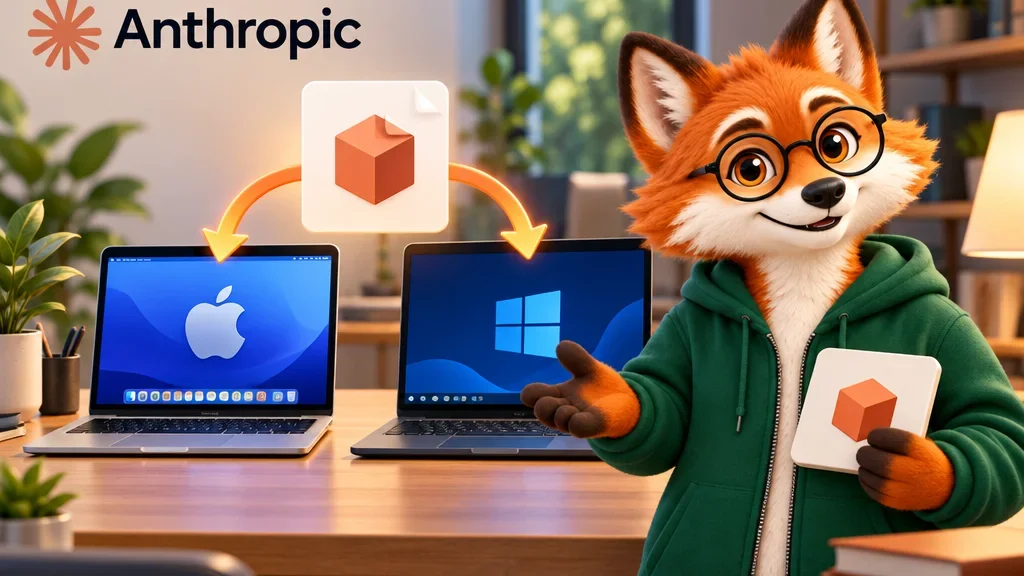

If you open the same focus timer in Claude every day, you can now give it an icon of its own and launch it from your desktop. Anthropic began rolling out the feature, called Install as app, on 24 November 2026. It’s in beta for Claude on Mac and Windows.
An artifact is a piece of work Claude creates alongside the chat, such as an interactive tool or a dashboard. Installing it gives that tool its own window. The app stays linked to the original artifact, so edits by you or another editor appear in the installed version automatically.
Install and open an artifact
Use Claude Desktop 6.28899.0 or later. Describe the tool you want in a chat and try the artifact it creates. Open it in the main Claude Desktop window, choose Install as app from the artifact menu or the Share menu, and confirm. You can then find it in Spotlight on Mac or under Claude Apps in the Windows Start menu.
The beta is rolling out on every Claude plan, including Free. On Team, installation is on by default and full computer access is off. On Enterprise, an organisation owner has to enable installation. The beta covers macOS and Windows. Template-based artifacts, including Claude Docs, Slides and Sheets, as well as legacy artifacts and older live artifacts from Claude Cowork, are excluded.

What runs through your Claude account
To open an installed app, you need an internet connection and an active sign-in to Claude Desktop. The app uses your existing account, so you don’t need to create a separate credential for the app to call Claude. Requests it sends to Claude count towards the usage limit on your plan.
A connector links an artifact to a service such as Google Calendar. Artifact connectors are available on Pro, Max, Ultra, Team and Enterprise. The first time an artifact needs a connected service, Claude shows you the service and the individual actions it wants to use. You can approve the actions you need and turn off individual ones. On Team and Enterprise, an owner can disable artifact connectors for the organisation.
What desktop permissions allow
By default, the app has the capabilities it would have in a browser. It can ask separately for notifications, shortcuts that work across apps or an icon in the Mac menu bar or Windows system tray. Full computer access can let it run programs and read, change or delete files without asking about each action. Approval applies to the current version. Claude asks again after an update, including one you make yourself. Code loaded from another site can change between those prompts.
For a focus timer, I’d start with notifications if you want an alert when time is up. The simple task is to count down and tell you when to take a break. A notification covers that job while leaving full computer access off.
Ask AI about this article
Opens in a new tab with the question filled in.