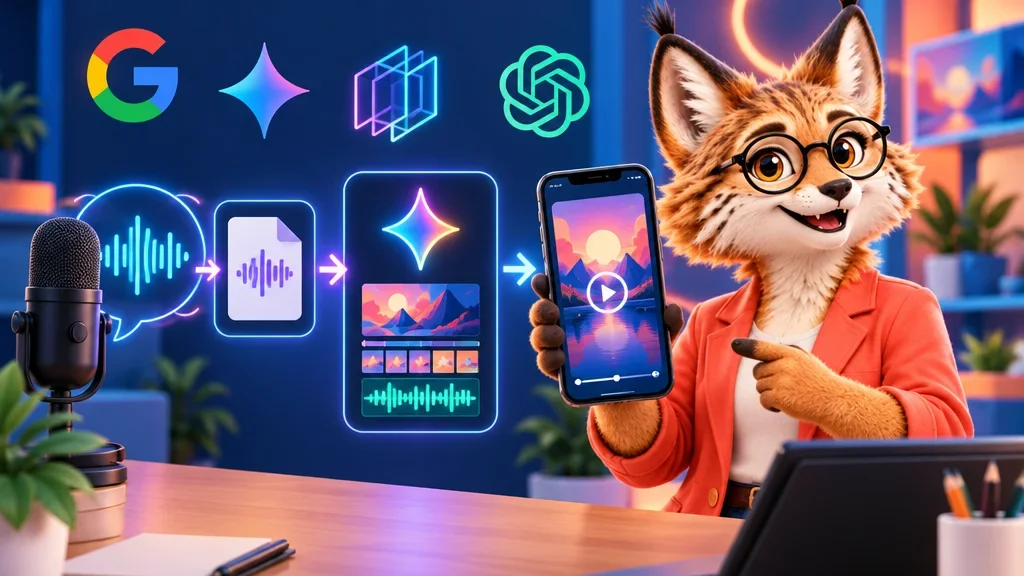
You have a voice memo on your phone: thirty seconds explaining an idea you want to post as a Reel. Until recently, turning that into a moving, captioned vertical video meant a timeline editor, stock clips and an afternoon. A newer route hands the whole job to a coding agent: you supply the audio and a written brief, and the agent writes the video as code, renders it and gives you back an MP4. One recent demonstration did exactly this with Google’s Gemini 4 Neon inside Google Antigravity, using two open-source tools, HyperFrames and Whisper. Here is what each piece does, how they fit together, and where the edges are.
What Gemini 4 Neon is and who can use it in Antigravity
Google Antigravity is Google’s agent-first development environment, where an AI model does not just suggest code but plans and carries out multi-step tasks. On 18 November 2026 the Antigravity team announced Gemini 4 Neon as the middle option of the Gemini 4 family: Carbon is meant for the deepest, long-horizon projects, Hydrogen for quick everyday execution, and Neon sits between the two.
Google reports that Neon ranks third overall on the Artificial Analysis Intelligence Index (score 61 at the Extra High thinking level) and first on that firm’s Coding Agent Index (58.6) and on Zapier’s AutomationBench (56.3 percent). It offers four thinking levels, from Low to Extra High, and at the default High level Google says it costs 32 percent less per task than Carbon. The company also claims its lowest fabrication rate yet in internal Antigravity testing, without publishing a number.
Access is rolling out to paid Google AI Pro and Google AI Ultra subscribers in the Antigravity desktop app, the Antigravity CLI and the IDE extensions; businesses reach it through Gemini for business. A new orchestrator can pair Neon as the planner with Hydrogen as the executor in one session: Neon handles planning and architecture, Hydrogen does routine edits and test runs, and hands the task back when it gets stuck. For a video job, that division is useful, because most of the work is repetitive file editing around a single creative plan.
What HyperFrames does and how you add it to an agent
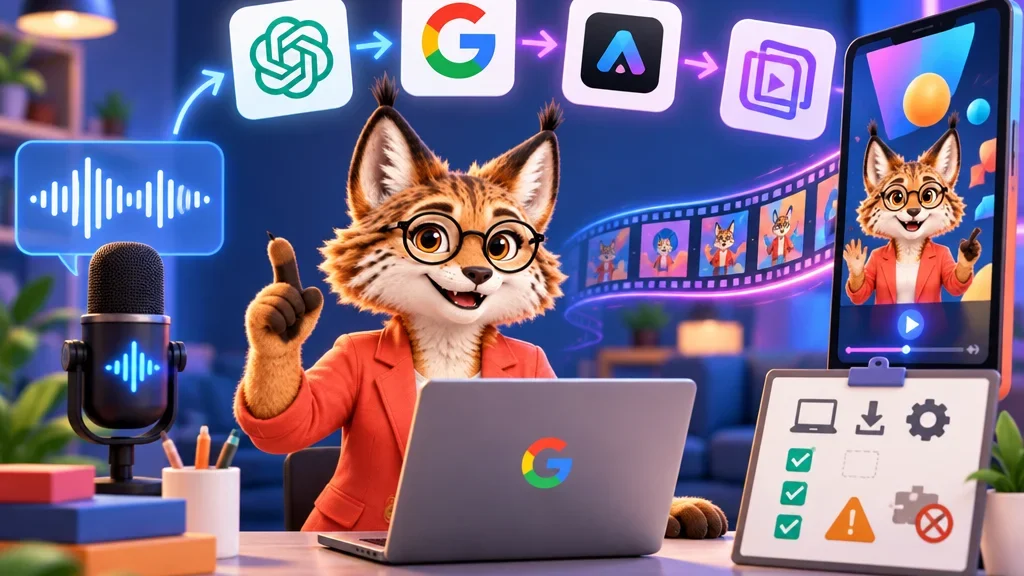
HyperFrames is an open-source framework from HeyGen, released under the Apache-2.0 licence, that turns HTML, CSS, JavaScript and media into MP4 video. Think of each frame as a web page that a renderer captures in sequence: animated text, shapes, images and an audio track are written as code, then exported as a normal video file. Because the result is code, an agent can change a colour, a timing or a layout and render again without anyone dragging clips on a timeline.
The project ships “skills”, packaged instructions that teach a coding agent how to use the framework. You install them with npx skills add heygen-com/hyperframes and pick the Core Skills group, or with npx hyperframes skills update, which installs the core set without a picker. To work by hand, npx hyperframes init my-video creates a project, npx hyperframes preview opens a live browser preview and npx hyperframes render produces the MP4. The stated requirements are Node.js 22 or newer and FFmpeg. HyperFrames also supports audio elements and animated captions, and a free Studio app lets you open and inspect what the agent built.
Why the workflow needs Whisper and FFmpeg
A video built from your voice only works if the pictures change when your words do. That requires knowing what you said, and roughly when. Whisper, OpenAI’s open-source speech recognition model (MIT licence), handles the first part: it transcribes speech in many languages, can translate speech and identify the language. It runs on files on your own machine, installed with pip install -U openai-whisper, in sizes from tiny to large plus a faster turbo model. The agent reads that transcript and uses it to line up on-screen elements with the narration.
FFmpeg is the command-line tool that reads, converts and encodes audio and video. Whisper needs it to load your recording, and HyperFrames needs it to write the final MP4, so it is the one dependency both tools share. If it is missing, the agent can be asked to install it, but it is worth checking before you start, since a render that fails late in the process wastes the most time.
From voice memo to vertical video, step by step
Where does the eye go first? In a short vertical video, it goes to whatever moves while you speak, so the brief matters as much as the tools. A workable sequence looks like this:
First, set up the tools: install the HyperFrames skills, make sure Node.js 22+ and FFmpeg are present, and install Whisper or ask the agent to check and install it. Second, attach the audio file in Antigravity and describe the job plainly: this recording is the soundtrack, build a new video from it, no added music. Third, state the format; for Instagram Reels a vertical 1080 by 1920 frame, for YouTube the horizontal 1920 by 1080. Fourth, describe the look: motion graphics throughout, the visual on screen should match the sentence being spoken, no empty frames, no text pressed against the top and bottom edges, and your brand colours. Finally, preview, ask for corrections in words and render.
In the demonstration, the finished clip of about 30 seconds took 21 minutes end to end. That figure comes from a single run, so treat it as an order of magnitude rather than a benchmark.
Limits, and where this approach fits
Two gaps matter. The HyperFrames README names Claude Code, Codex, Cursor, Gemini CLI and IBM Bob among supported agents, plus “other coding agents that support skills”; Antigravity is not listed by name, so you are relying on general skills support rather than a documented integration. And Google’s Neon announcement is about coding and agent work: it does not mention image or video generation, so any claim that Neon creates its own pictures inside this pipeline rests on the demonstration, not on Google’s documentation.
My own read: the real gain here is not speed, it is consistency. Because every frame is code, the agent can reuse the same type, spacing and colour rules on the next clip, which is exactly where hand-made short videos tend to drift. The trade-off is that you design with sentences instead of a mouse, so the people who benefit most are those who already know what they want each scene to look like and can say it precisely. If your style is still forming, a few rounds of preview and correction will shape it faster than a perfect first prompt.
Ask AI about this article
Opens in a new tab with the question filled in.