Can you check a coding task from your phone while the work runs on a computer at home? T3 Code’s remote-access documentation describes how another device can connect to the running environment.
Where does the work run?
T3 Code supports connections from a phone, browser or another desktop app to an environment on a different machine. The documented requirement is straightforward: the host computer must stay on and reachable.
The desktop application also supports an SSH connection to a remote machine. Projects, provider credentials and agent work stay on that machine. The phone acts as a client for the environment rather than carrying the project with it.
Pairing and permissions
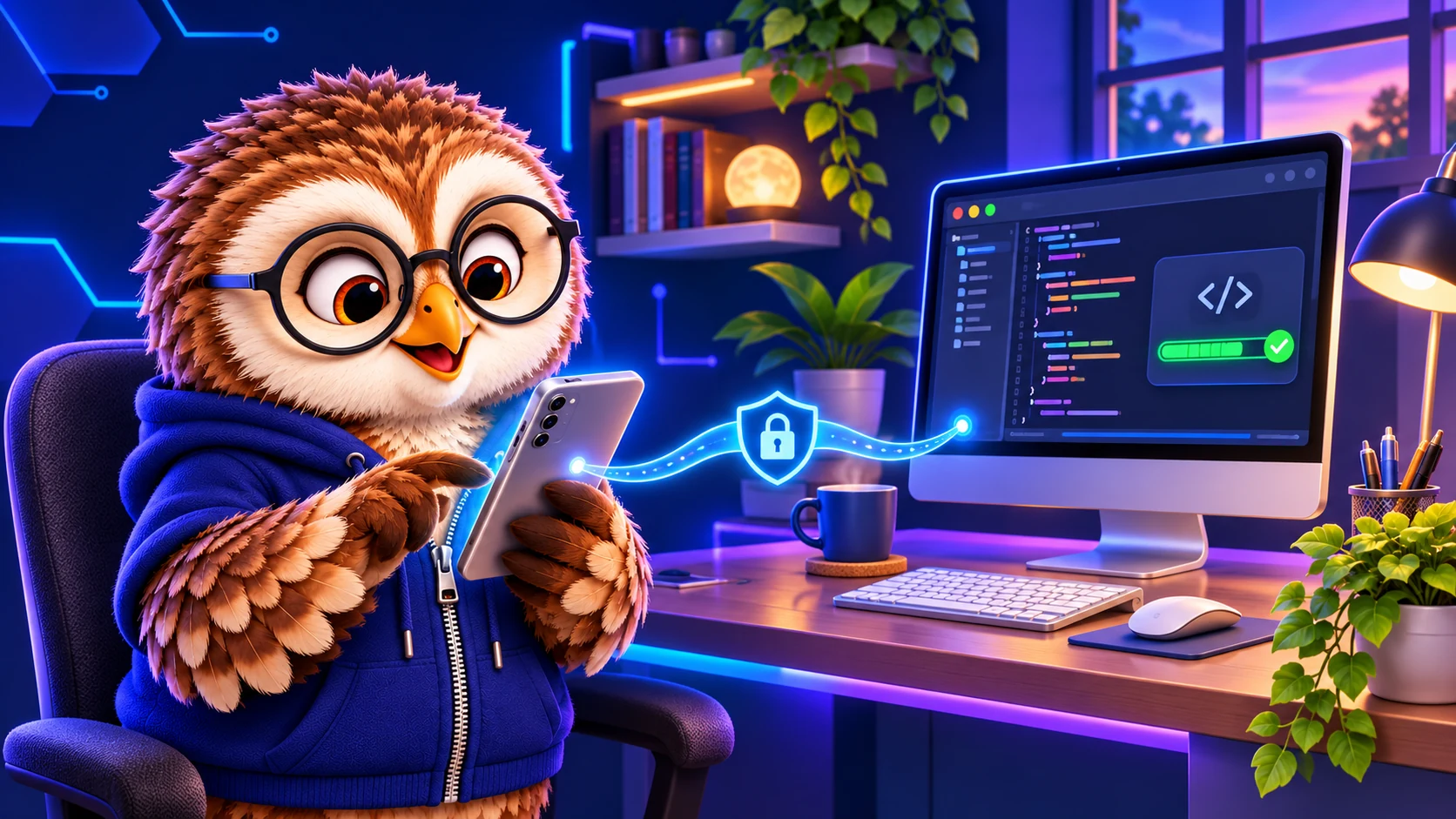
The documentation explains pairing links or codes and scoped access. Rather than relying on broad defaults, choose the permissions a device needs: reading files, editing files and managing an environment are distinct capabilities.
First verify that the project and required agent are available on the host. Then decide what the connecting device needs to do and use a documented pairing method. Review the resulting work and changes before relying on them.