
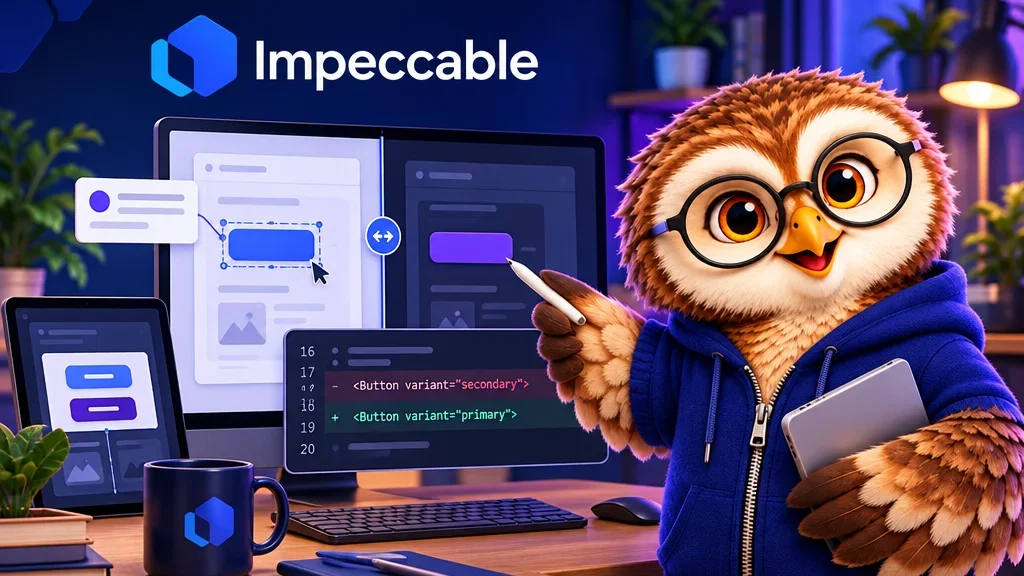
If a pricing card buries the delivery details, point your coding agent at the exact line. Impeccable’s beta Live Mode adds controls to a running development page so you can pick an element, leave a comment or a stroke, and compare generated alternatives in place.
Show the agent what should change
With the local development server running, start /impeccable live from the agent session. Select the card, mark the delivery line and ask for a clearer hierarchy. Cycle through the proposed variants in the browser to see how each fits the rest of the page.
Review the change in source
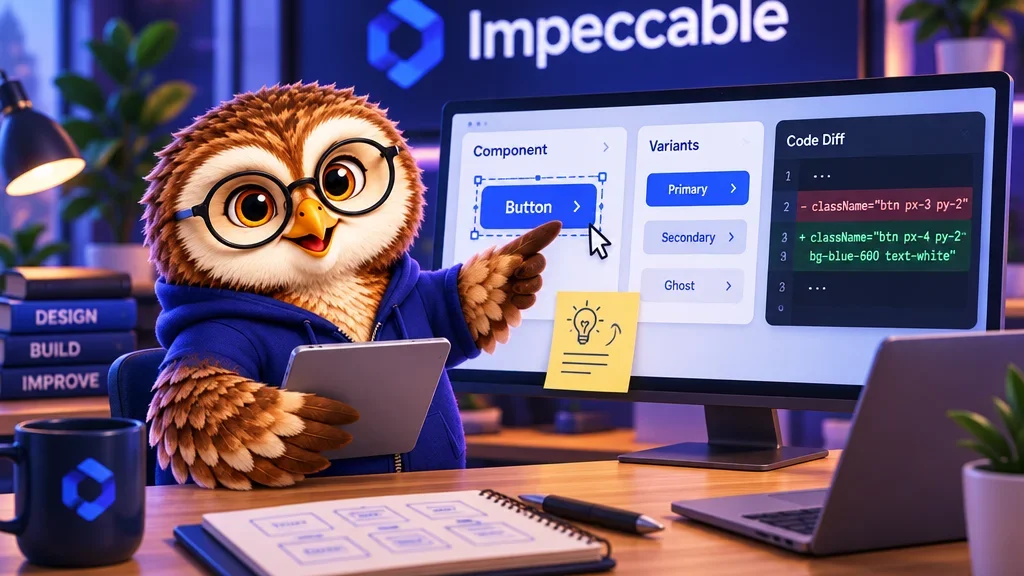
Accepting a variant writes it to the project source. Open the diff to confirm the edit landed in the intended component, then check the card at a narrow viewport. Live Mode is designed for local development. A preview shows the layout, while behavior still needs its own check.