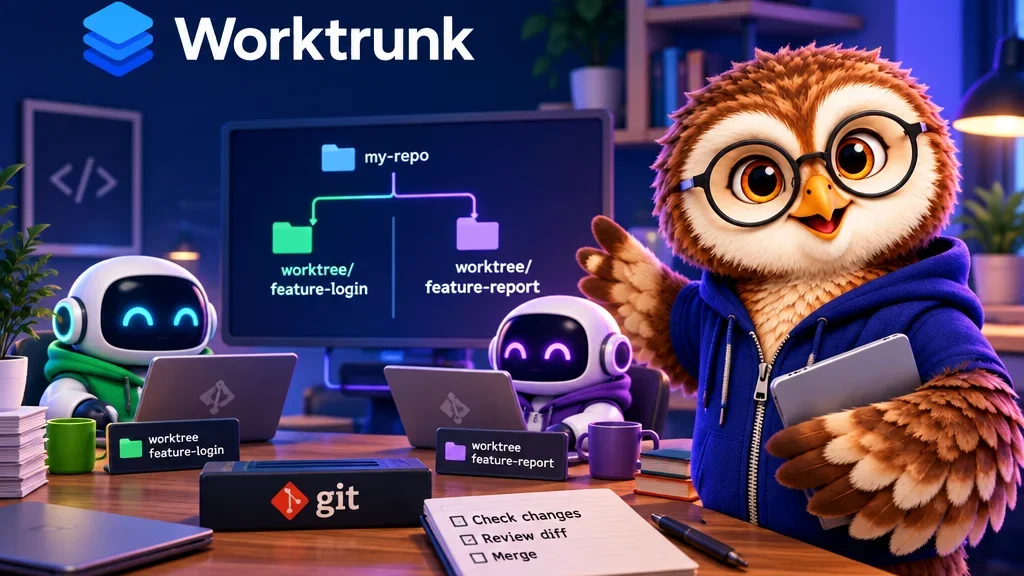
One agent can fix a login bug while another writes API tests. Give each a separate Git worktree so neither edits the other’s working files. The checkouts share repository history, and Worktrunk lets you manage them by branch name.
Set up one checkout per task
Run wt switch --create fix-login for the first task. Return to the starting branch before running wt switch --create test-api for the second. Worktrunk’s shell integration handles directory changes. Use wt list to check the paths before pointing each agent at its checkout.
Check what the tasks still share
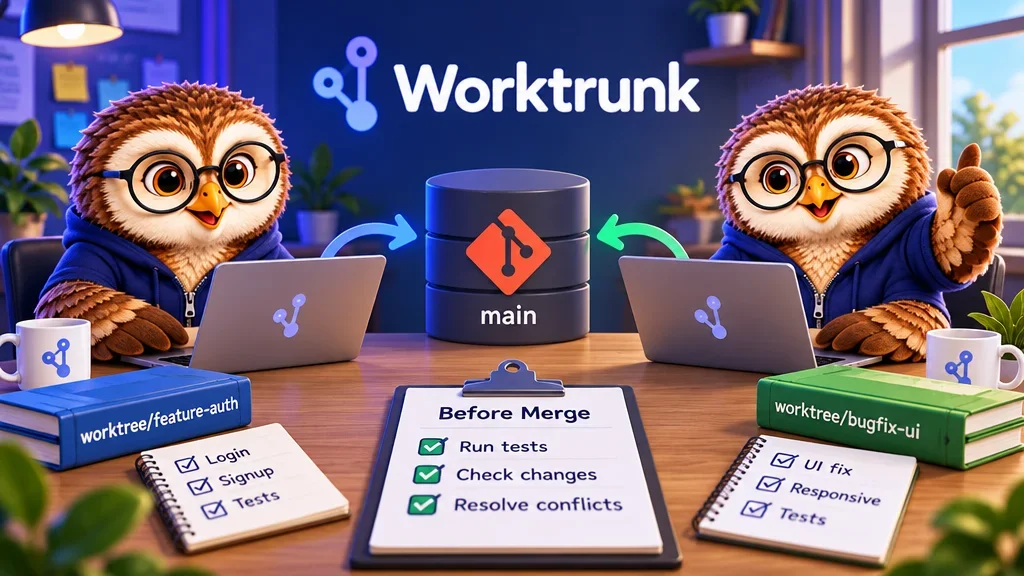
Separate checkouts keep file edits apart, but development servers can still collide on the same port. Give them distinct ports if both need to run. Review the diffs and test results for each branch before merging. Edits to the same lines may still conflict at that point.