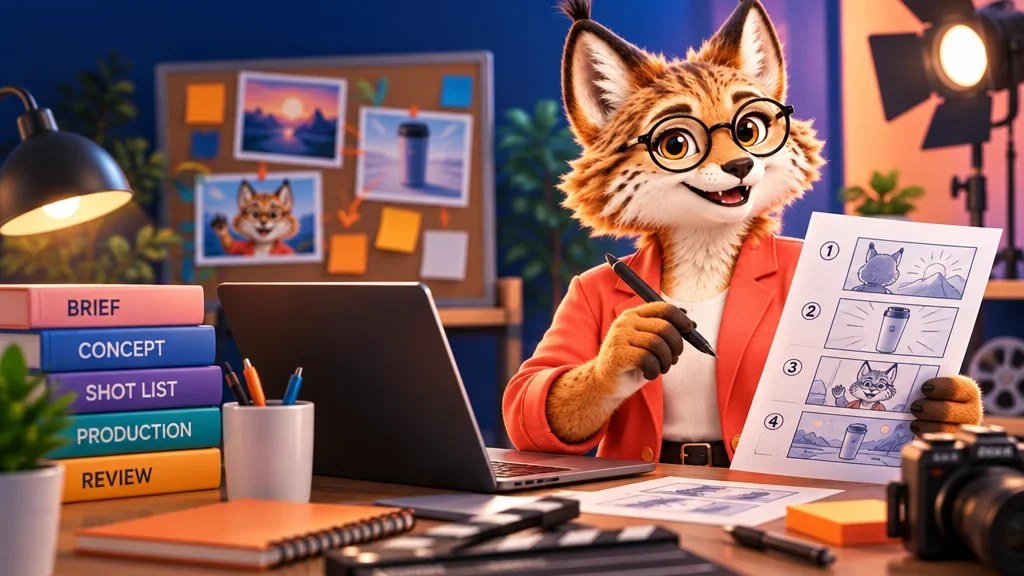
Suppose the brief says a flask opens with one hand. Put a bag in the other hand and show the lid opening. That single action gives a short commercial something concrete to build around.
Decide what the viewer should remember
Choose one product feature and write a short sequence that makes it visible. In a 12-second example, spend three seconds establishing the person with the bag, five showing the lid opening and four on the product and closing message. The timing gives each image a job before you start generating clips.
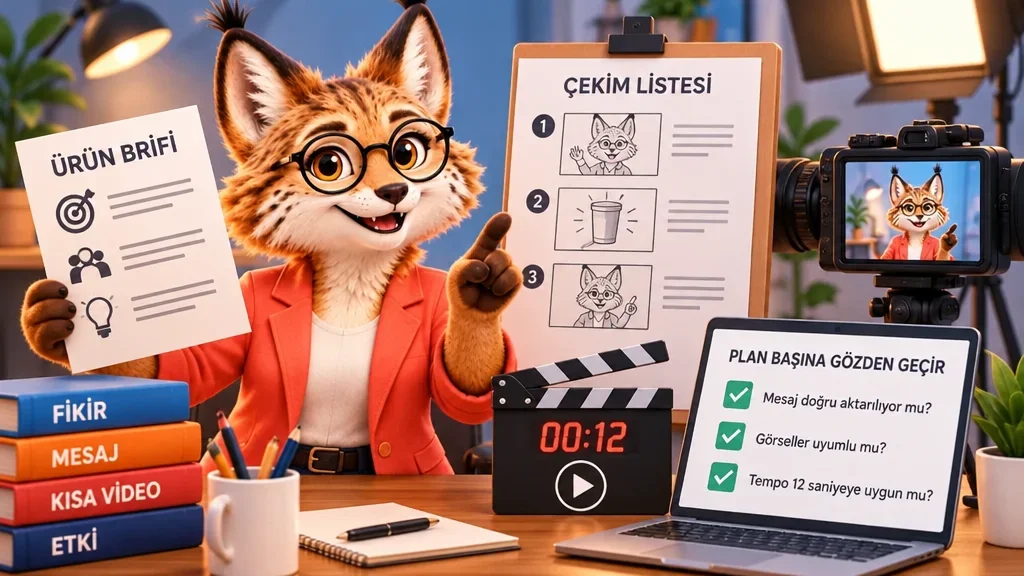
Give each shot a production note
Adobe describes a shooting script as combining the screenplay with a shot list. For an AI workflow, record the shot number, target duration, framing, action and product reference for each clip. Higgsfield’s filmmaking guide shows how a short idea and a shot list can be developed into a separate generation prompt for each shot.
Review the shot that carries the claim
Start with the lid close-up. If it is hard to tell how the hand opens it, change the angle or clarify the starting position. Once the movement reads clearly, build the opening and closing around it. The sequence should make sense when you watch the shots together.
Ask AI about this article
Opens in a new tab with the question filled in.