

A wide shot shows a café window to the left of the counter. Cut to a close-up and the light suddenly comes from the other side. A detail that looked fine in isolation can make the two shots feel like different rooms.
Choose what stays fixed
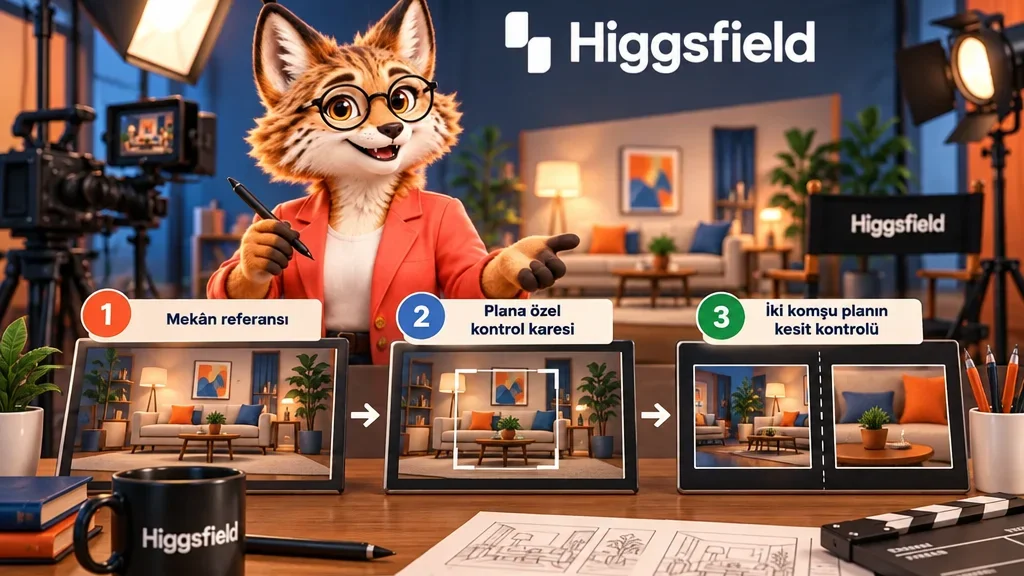
Pick a reference that shows the relationship between the door, window and counter. Higgsfield documents that Cinema Studio can save locations, characters and props as reusable Elements. Cinema Studio 4.0 lets you add saved Elements as references and set lighting and camera movement in the Director’s Panel. Decide which details belong to the room and which can change with the angle.
Work out the opening composition
For a cup close-up, the whole café can fall outside the frame. The cup’s position, the direction of the light and one recognisable background detail can carry the location. Prepare a still that shows the intended composition before generating motion. Use it as a reference and review the actual opening frame in the generated clip.
Check the cut with the two clips together
Compare the outgoing frame with the incoming one. Look for a cup that has shifted, a hand moving in the opposite direction or light coming from the wrong side. If a hand is setting the cup down, clarify its position and direction in the affected shot, then play the cut at normal speed to see how the action carries across.
Ask AI about this article
Opens in a new tab with the question filled in.