
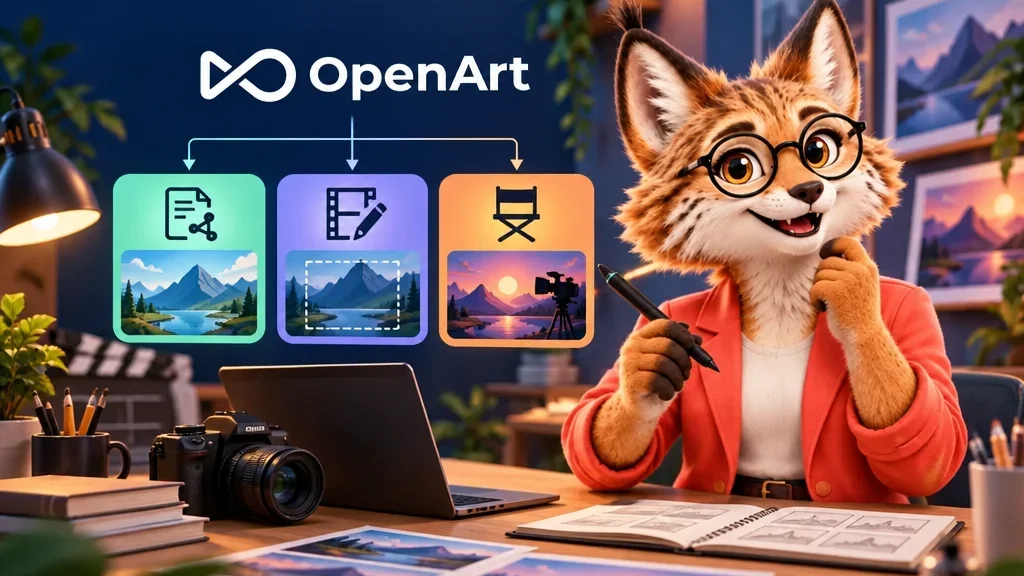
The framing works. The actor reaches across the table on cue. The prop in their hand is wrong. That gives you a precise editing problem with a clear starting point. OpenArt offers different routes for creating a shot, changing an existing clip and revising a sequence. Start by writing down what needs to change and what makes the current version worth keeping.
Use MCP when you need a new shot
MCP is a standard that lets an AI assistant call external tools. OpenArt documents how Claude can access the platform’s video generation models from a conversation. Describe the job the shot has to do, then specify the framing and motion. For a push towards a product on a table, say where the camera starts and where the product should sit in the frame. If you have an opening image, identify it and spell out the details you want carried through the shot.
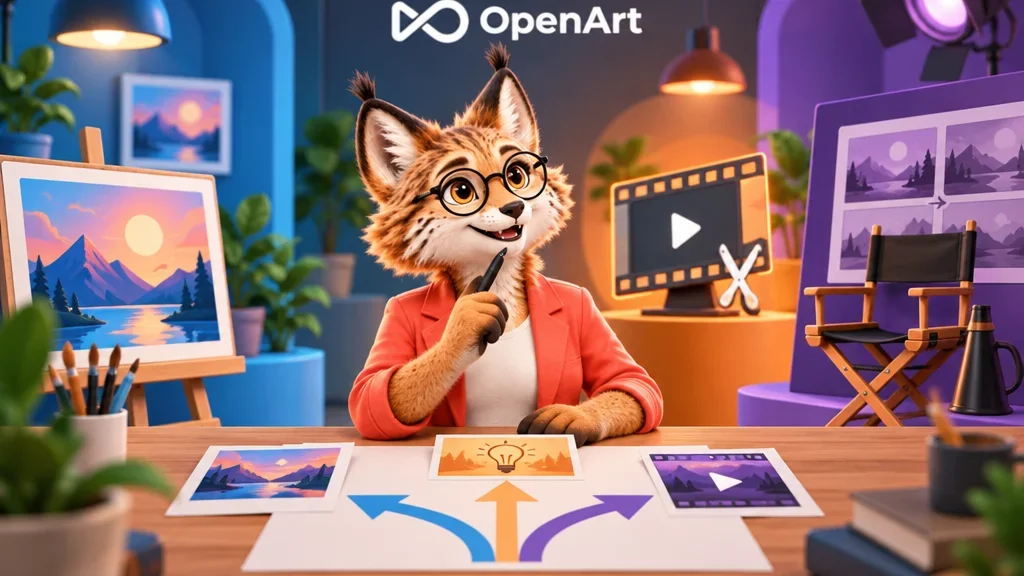
Work from the clip when the problem is local
OpenArt’s Edit Video tool takes existing footage as the starting point for a revision. To swap a prop, identify the object and when it appears, then describe the hand movement, angle or lighting you want to preserve. Compare the revision with the original at the moment the hand obscures the object and again at the cut to the next shot. Those are two places where a plausible still can conceal a continuity problem.
I’d try the targeted edit first if the composition and performance already carry the scene. Asking for a fresh generation puts those two decisions back in play. If the new prop disrupts the gesture, creating another shot may become the better use of your time.
Move to Director Mode for changes across scenes
Director Mode is OpenArt’s workspace for multi-scene video. OpenArt describes conversational changes and a timeline for more precise adjustments. Suppose a character enters early in one scene and gives away the surprise in the next. Review both the first appearance and the cut between the scenes. Watch the revised moment on its own, then play the sequence through to check whether the reveal now lands where you intended.