Picture a short film idea: a draft script, a few characters, a mood you can already see. Turning that into footage with AI today usually means hopping between separate services: one tool for images, another for video, others again for voices and music. Every hand-off loosens a little of the files, the settings and the visual consistency. Imagination Studio tries to pull that scattered work into a single desktop app, and it runs on your own machine rather than in the cloud.
What is Imagination Studio, and who built it?
The project’s GitHub page describes itself simply as a local film studio: you plan a film, generate pictures, video, voices and music, then edit and export it. “Local” matters here: generation runs on the computer where the app is installed, not on a remote server.
The app was built by keys, who goes by drowzeys on GitHub, together with Sam Wasserman and Wasserman Productions. Underneath sits a runtime called TensorFold. The README draws the line clearly: Imagination Studio is an app built on TensorFold, not a TensorFold product.
The workflow is split into four areas. Story and production covers script import, shot planning, a “film bible” and storyboards. Think of the film bible as a reference book that keeps characters, locations and visual language in one place. Image and video covers model selection, candidate generation, picture editing and clips with sound. Sound includes voices, songs and, where supported, effects and Foley, the everyday sounds added to a scene. The final area handles organising takes, colour grading, mixing, motion graphics and export to an editing program.
Which models does it use, and for what?
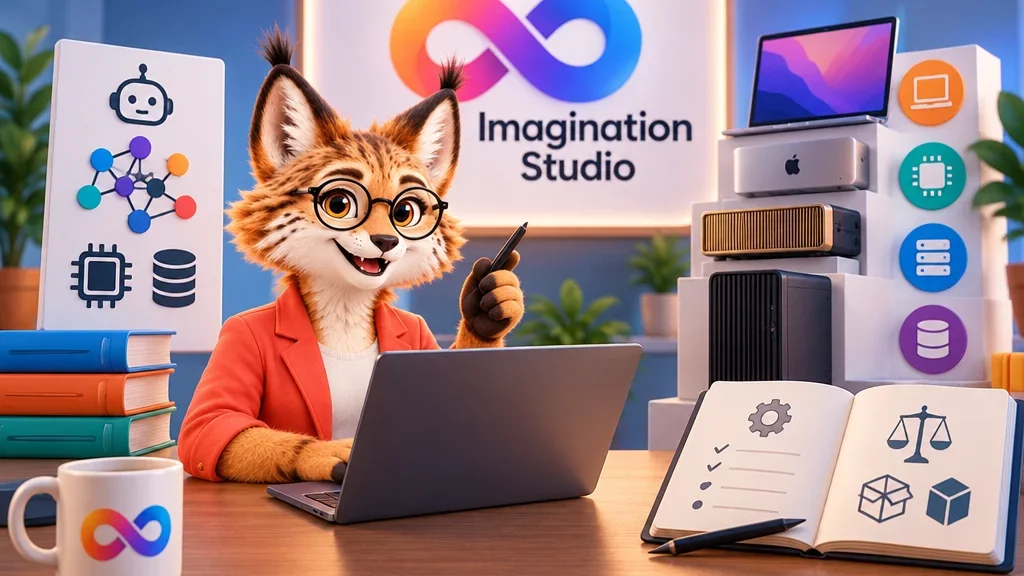
For pictures, the project lists Qwen-Image-2.1 and FLUX3-K. Video with sound uses MiniMax H3 and its faster FastH3 variant. Voices come from Fish Audio Drama 3, and songs from MiniMax-Music3 and YuE2.
The README adds an important caveat: which models and settings are available depends on the machine, the installed components and the memory available at runtime. Not everything on the list opens on every computer; setup offers what your hardware can handle.
Where does the eye go first? In this list, what interests me most is not any single model but the planning layer that ties them together. When you work across separate services, consistency is usually the first casualty: by scene three the character’s jacket has changed colour and the light comes from somewhere else. With storyboards and a film bible inside the same project, those decisions can point back to one reference instead of being re-explained for every generation. The sources do not measure how well this works in practice, but the design is aimed at the right problem.
What hardware do you need?
It is worth setting expectations plainly: this is not an app built for an ordinary laptop. The README describes three main routes.
On a Mac you need Apple silicon and macOS 26 or later; the fast native video path requires an M5-family chip. The installer asks for 48 GB of memory for pictures only, 96 GB for the standard video install and 128 GB for the Turbo and Ref2VA features. The standard setup needs about 185 GB of free disk space.
On NVIDIA Linux the target is DGX Spark: the GB10 chip, 128 GB of unified memory, DGX OS and Docker for the prebuilt engines. Unified memory means the processor and the graphics unit share one memory pool. The core install needs about 125 GB of disk, or about 400 GB with optional models. Separate documents cover the RTX Pro 6000, the RTX 5090, two-GPU rendering and multiple Spark machines.
On Windows only a native install is supported, without WSL. The native GPU setup targets Windows 11 on Arm systems with an NVIDIA RTX Spark, and the full feature set is intended for 128 GB configurations. Below 128 GiB of memory, setup gates recipes that have not been verified.
How open is “open source” here?
The studio’s own code is licensed under Apache-2.0, an open-source licence that broadly allows you to inspect, modify and use the code in commercial projects. The README stresses, however, that models and bundled tools keep their own licences. The repository does not redistribute model weights, the trained parameter files of each model.
The licence notes are specific: Qwen-Image-2.1 and MMAudio weights are for non-commercial use. MiniMax H3 has territory limits. Fish Audio’s hosted services need separate licensing. The README advises checking each model’s terms before any commercial use.
This detail is easy to miss. The open-source label applies to the frame of the app; the models you place inside that frame follow other rules. If you are producing client work or content you plan to sell, the deciding factor will not be the Apache licence but the licence of the model used in that particular scene.
Who is it for?
Given the memory and disk thresholds, Imagination Studio currently makes most sense for independent filmmakers, small studios and technically minded creators who already own a strong workstation or a dedicated machine such as a DGX Spark. For most people, 96 to 128 GB of memory is a serious barrier.
My suggestion would be to move in stages. On a Mac, the 48 GB pictures-only install is a reasonable first step: finding out whether the storyboard and film-bible workflow suits the way you work is a cheaper test. If it does, the case for investing in the video and sound layers becomes much clearer. The real gain of working locally is control: your files and project rules stay on your machine, but you pay for that in hardware and setup effort.