You have an image you like: a character, a product shot, a mascot. Then you ask for one small change, and the face shifts, the label blurs or the proportions drift. That gap between a good first image and a reliable fifth edit is exactly where OpenAI aimed its latest image update.
On 4 November 2026, OpenAI released Images 2.6 in ChatGPT, Codex and its API. For developers it comes as two models, GPT-Image-2.6 Flare and GPT-Image-2.6 Sunburst. Creator platforms that build on OpenAI’s models picked them up on the same day, Higgsfield among them.
What Images 2.6 is and where you can use it
Images 2.6 is OpenAI’s new image generation and editing model family. In ChatGPT and Codex it is available worldwide on desktop, mobile and web, on all subscription plans, according to OpenAI. In the API, developers choose between the two named variants. OpenAI also lists early-access customers such as Picsart, fal, Sable and Higgsfield, which means the same models show up inside third-party creative tools, not only in ChatGPT.
The scale explains why the update matters. OpenAI says people now create 4 billion images per week across ChatGPT, Codex and the API, more than half a billion per day. Small gains in speed or edit stability add up quickly at that volume.
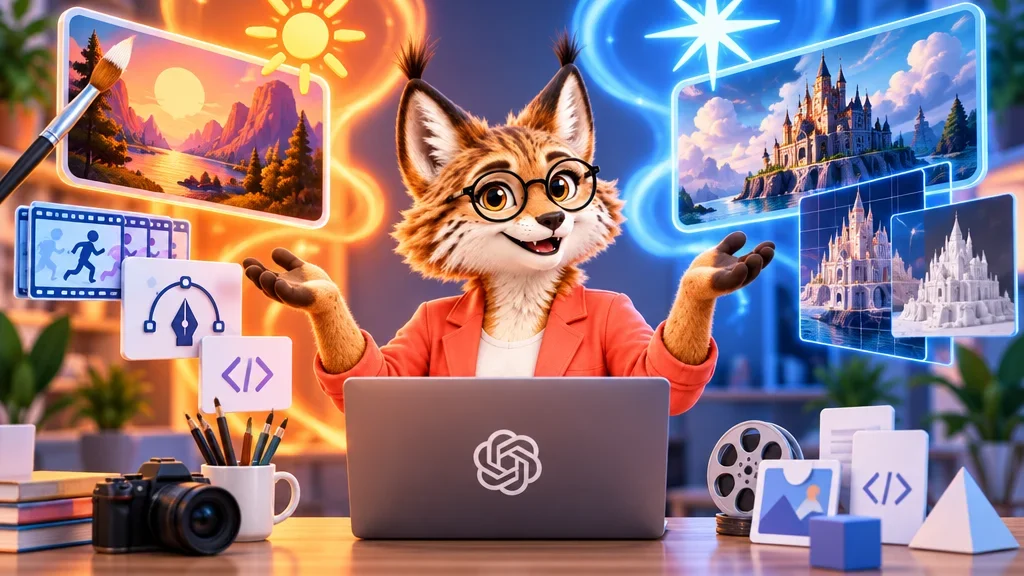
Flare or Sunburst: speed against precision
The two variants are not a “basic” and a “pro” version of the same thing. They are built for different stages of work.
Flare is the speed-first model. OpenAI says that at low quality it can produce an image in as little as six seconds, and that it also improves layout quality for posters, product visuals and other professional images. Higgsfield describes it as faster and suited to most tasks: drafts, exploring ideas and image series.
Sunburst is slower and more precise. OpenAI positions it for medium or high quality, with higher image quality and stronger consistency across edits. Higgsfield adds that it is better at preserving faces, products and text, and recommends it for detailed edits, complex compositions and final layouts.
In practice this suggests a simple split: explore with Flare, finalise with Sunburst. Where does the eye go first? If the answer is a face or a product label that has to survive many edits, that is Sunburst territory; if you are still testing compositions, the faster model saves time.
What is actually new compared with version 2.5
OpenAI names several concrete changes:
Speed. Images 2.6 generates images 50 percent faster than before, according to OpenAI.
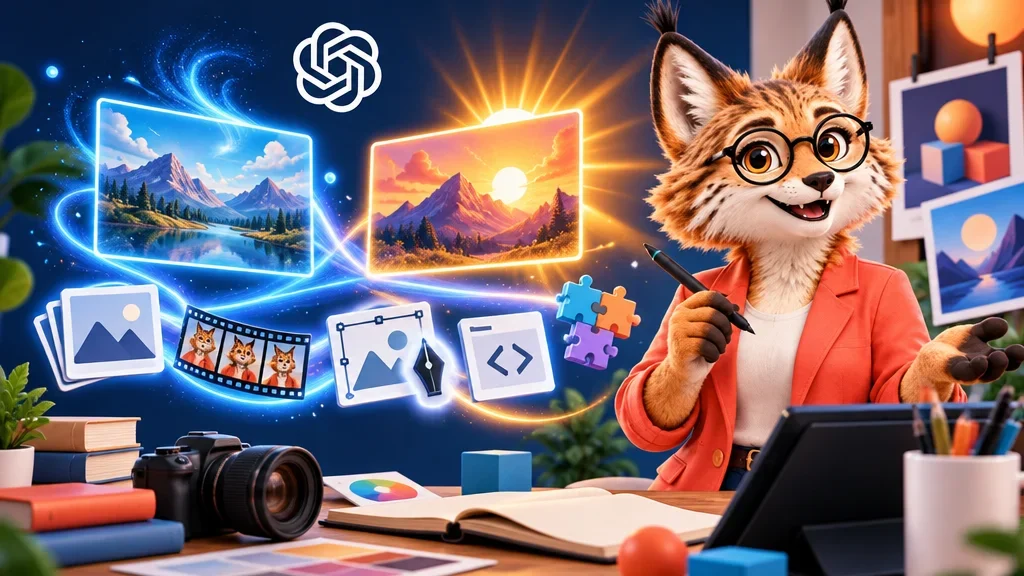
GIFs. The model can now create animated GIFs. OpenAI’s examples include animating a brand mascot, turning a product photo into a looping animation and building animated storyboards to test character movement before video production. On Higgsfield, GIFs are generated with 3 to 30 frames at 512 × 512 pixels, with a frame duration between 20 and 2,000 milliseconds.
SVG export. SVG is a vector format: instead of pixels it stores shapes, so a logo or illustration can be scaled for a website, an app or print without losing sharpness. Higgsfield marks SVG output as a preview feature for now.
Markup editing in the API. Image markup already existed in ChatGPT. You mark the exact area you want to change and describe the change. With 2.6 this comes to the API as well, so teams building their own tools can offer the same targeted editing.
A complexity parameter. This new setting controls how much planning the model does before answering a request. OpenAI separates it from image quality: quality controls detail and fidelity, complexity controls how elaborate the scene becomes. OpenAI recommends low complexity for most edits and medium or high for scenes with many elements or constraints. Higgsfield’s interface lists a “reasoning effort” control and a temperature setting for variation between outputs; reasoning effort looks like the platform’s label for the same planning idea, though Higgsfield does not say so explicitly.
Why this matters for consistent characters
Character consistency is the hard part of AI visuals. A typical creator workflow starts with one portrait, turns it into a character sheet showing the same person from several angles, and then feeds that sheet into a video model as a reference. Every step depends on the face, hair and clothing staying the same.
OpenAI says that with Images 2.6 characters, products and brand details stay consistent during editing, and that Sunburst further improves consistency across edits. Higgsfield notes that both 2.6 variants accept up to 16 reference images, unchanged from version 2.5, and recommends Sunburst when faces need to be preserved.
Here is my reading of it. The most useful change for character work is not the GIF feature, however eye-catching it is, but the pairing of a fast draft model with a precise edit model. A character sheet is a precise edit: the same person, new angles. Giving that step to the slower model while generating cheap variations with the faster one is a sensible division of labour. Whether consistency really holds over long edit chains is something only your own tests will show; OpenAI’s statement is a claim, not an independent benchmark.
What it costs on a platform like Higgsfield
On Higgsfield, a High-quality image costs 2.75 credits at 2K and 4.25 credits at 4K, with Flare and Sunburst priced the same. Based on the Plus plan at 49 dollars for 1,000 credits, Higgsfield estimates that at about 0.13 and 0.21 dollars per image. Resolutions of 1K, 2K and 4K are available for PNG and SVG; quality ranges from Auto and Low up to Max.
Since 5 November 2026, GPT Image 2.6 replaces version 2.5 in Higgsfield’s seven-day Unlimited bonus for new purchases and upgrades on eligible plans; the Starter plan is excluded. Unlimited covers only PNG images at Low or Medium quality up to 2K, with two generations running at once. GIF, SVG, 4K and other quality levels still use credits. Anyone who bought earlier keeps Unlimited access to version 2.5 and can use 2.6 through credits.
That fine print matters. “Unlimited” sounds generous, but the sharpest results, the Sunburst final at High quality and the new formats, sit outside it.
What to treat with caution
The speed figures, the 50 percent gain and the six seconds for Flare, come from OpenAI itself and apply to specific settings such as low quality. Your own times will depend on quality level, complexity and the platform you use. SVG output is still labelled preview on Higgsfield, so do not plan a print job around it yet. GIFs are limited to small 512 × 512 frames there, which suits stickers and storyboards more than polished animation.
OpenAI points to the Images 2.6 system card for its safety evaluations and safeguards. If you plan to use the models commercially, that document and the pricing page in the API are the places to check before you build a workflow on them.