
A woman walks towards a door. In the wide shot, the window is on her left. In the close-up, the light seems to come from the other side. Both shots might look good on their own, yet the cut makes them feel like different rooms. When building a scene from AI-generated clips, decide early which details need to carry across the cut.
Build a reference for the character and the room
Start with a clear image of the face and outfit. Note the details viewers will notice first, such as the haircut, jacket colour or glasses. If the scene needs a front view and a profile, prepare both and compare them side by side. Pay particular attention to facial shape and distinctive clothing details.
Use a wide shot as the reference for the location. Mark the door, the window, the main light source and any props that recur. Describe light in relation to the room. “Light from the window at the end of the hall” still makes sense after the camera turns, while “light from the left” may become ambiguous.
Change one thing at a time
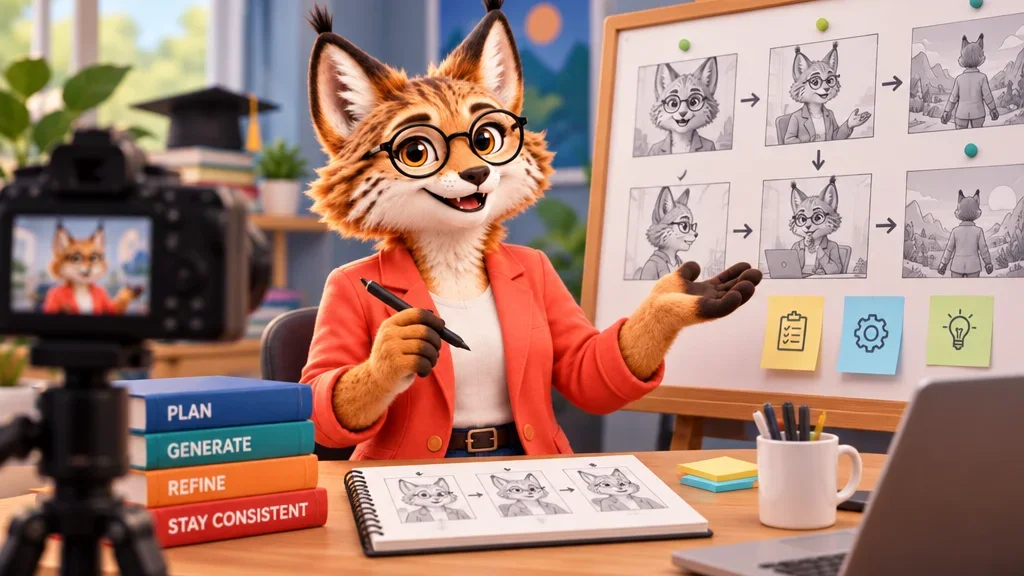
Break the action into shots. A wide shot establishes the hallway and the woman’s position. A close-up shows her reaching for the handle. Write down what changes in the next clip, then keep the wording for the character, room and light consistent. Reuse the relevant reference frame if your workflow accepts image inputs.
Example prompt: “A short-haired woman in a grey jacket approaches the wooden door at the end of the hall. Soft daylight from the hallway window lights her face from the side. Static camera at waist height. She reaches for the handle with her right hand.”
For the close-up, frame the hand and handle. Keep the sleeve, door texture and light source consistent. Plan where the action cuts. If the wide shot ends just before her hand touches the handle, start the close-up with her hand still in the air.
Review the still and the motion separately
In his personal student project for Stanford’s CS191W course, Ethan Hellman used character and location references to guide individual shots. Some details still shifted as the images became moving clips. He refined the stills first and reviewed the resulting footage by hand.
Use the same order for your scene. Check the face, clothes, framing and set in the still. Once the clip is ready, pause at the start, middle and end. If something drifts, fix the affected shot and play it against the previous one. A change you barely notice in a still can stand out at the cut.
A quick checklist before editing
- Do the face, hair and clothes match across shots?
- Does the main light still come from the same window or lamp?
- Are the door, furniture and props where you expect them?
- Do the eyeline and hand movement carry across the cut?
Ask AI about this article
Opens in a new tab with the question filled in.