
A character can look stable from shot to shot and still sound slightly different every time they speak. The rhythm may move, an emphasis may shift, or a line may be repeated. In the source video, “AI Realism Workflow the Pros Use”, the proposed answer is not a single magic prompt. It is a workflow that keeps the voice, the scene, and the timing as separate references.
It starts with the performance rather than the picture. The creator chooses one voice for the character, then writes short delivery cues into the dialogue: catching breath, clearing a throat, turning more confident. ElevenLabs documents a closely related capability for Eleven v4: natural-language Audio Tags in square brackets can guide emotion, delivery and reactions within a line. Its documentation describes how these tags guide delivery and emotion.
That distinction matters. A finished voice file is not merely an audio asset. Placing it against a rough still of the intended shot lets a filmmaker decide when the character arrives, when the first words begin, and how long the scene needs before speech. It is a tiny audio-first storyboard.
1. Give the generator an audio reference
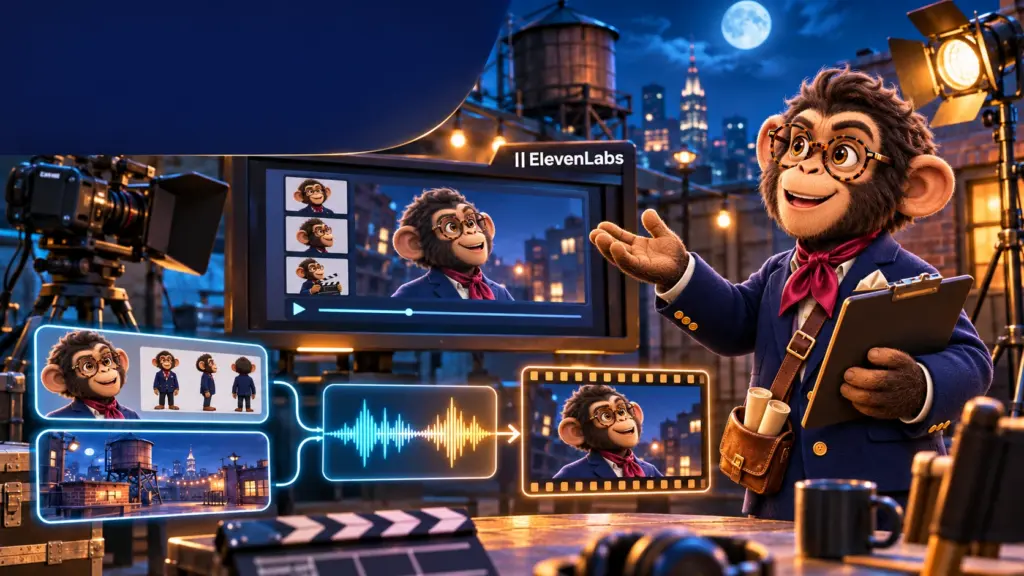
The first test in the video combines three inputs: the character reference, the set reference and the recorded line. It is a sensible baseline because each asset answers a different question. Who is speaking? Where are they? How should the line be delivered? The test also shows why a baseline needs checking: a small phrase can still drift or repeat in the generated clip.
2. Turn the same audio into a simple video reference
The presenter next wraps the same audio in a plain black MP4 and uses that as a video reference. In that particular comparison, the spoken line follows the intended performance more closely. It is nonetheless an easy A/B test: use identical scene and character inputs, then compare an audio-only reference with a video container carrying the same sound.
3. Add a time-coded transcript
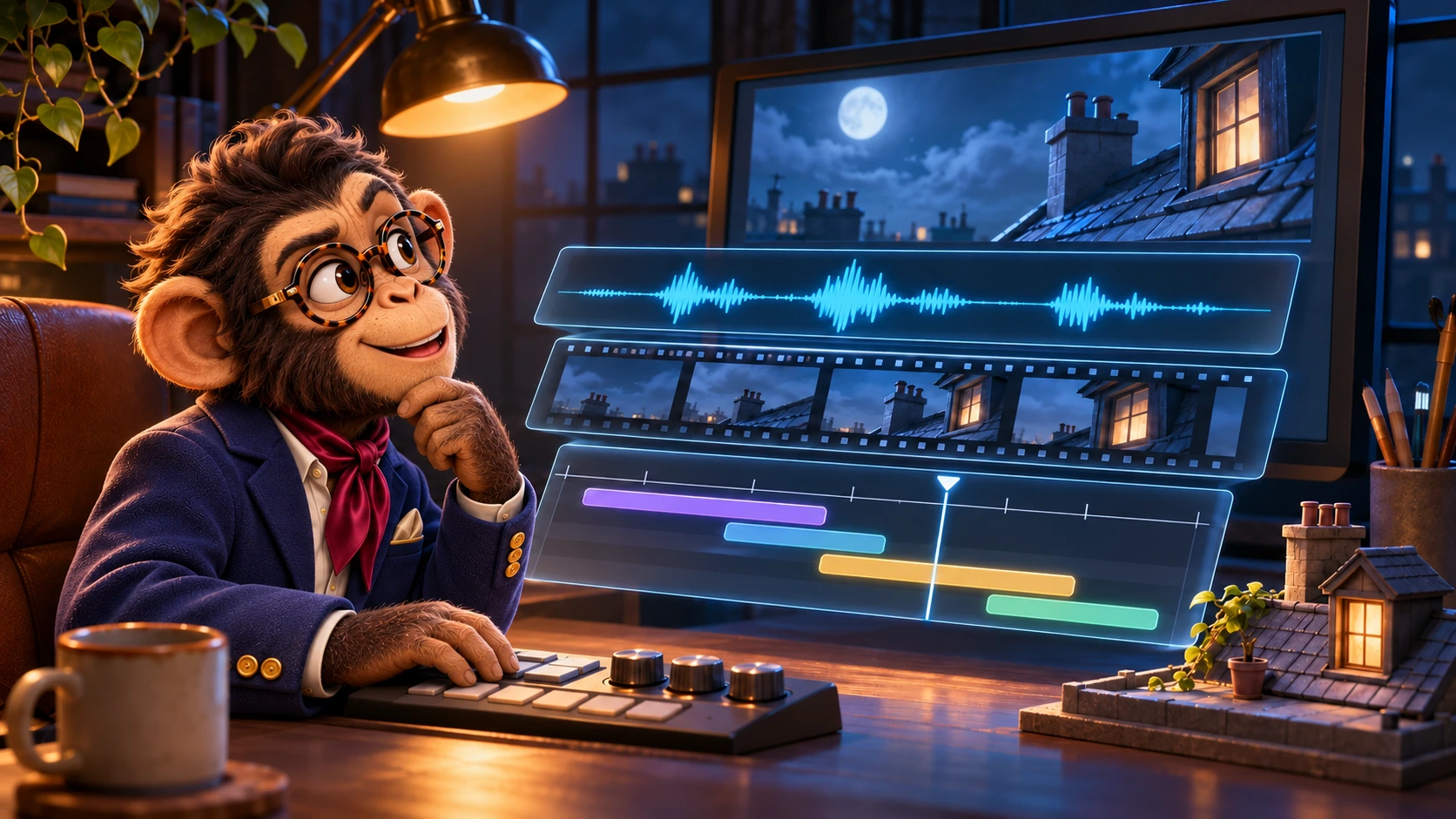
The third layer is a timestamped transcript. If the scene needs a few seconds of action before dialogue, the timestamps are moved forward together. The model then receives the spoken performance, a video-shaped timing reference and a written map of when each line belongs. That leaves more room in the main prompt to describe motion, staging and the shot itself.
ElevenLabs advises testing specific voices and tag phrasing for a real use case, noting that results can vary with the voice and the requested delivery. Its best-practices guide makes the same practical point: treat tags as controllable direction, then verify the performance you actually get.
For an AI-film workflow, the modest but useful lesson is to lock the character voice early, make a short scene with the spoken line before generating a long sequence, and compare reference formats on that same scene. The dialogue is not a finishing touch. It is one of the pieces that sets the scene’s timing from the start.