When an assistant calls an external service, the interesting part of a failure may be hidden inside the request. Gemini Apps Developer Mode gives developers a side-by-side view of the conversation and the tool traffic behind it.
From endpoint to inspector
According to Google’s documentation, a developer can select an app already registered in Connected Console or connect a deployed public HTTPS MCP endpoint as a custom app. Model Context Protocol supplies a way for the client to discover tools and their input schemas.
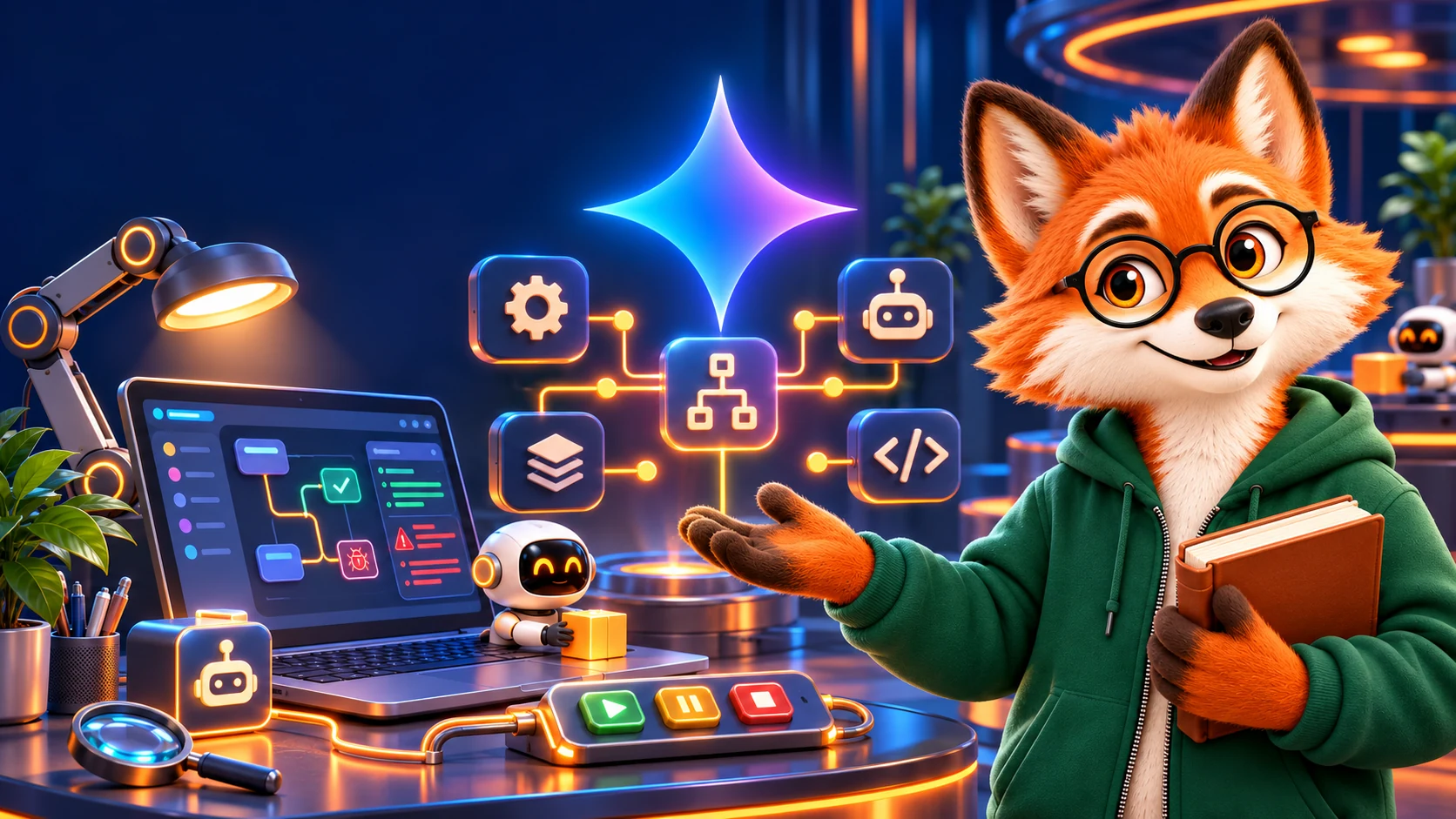
The workspace pairs a chat preview with an inspector. Its event log exposes JSON-RPC requests and responses, HTTP status and latency; separate tabs show tool schemas, simulated context and authentication configuration. A schema can be synchronized again after a backend change without clearing the conversation.

What a developer can learn
Imagine a booking tool receiving the wrong date. The log makes it possible to compare the actual tool-call arguments with the server’s expected parameters. Simulating date, time or language can reveal whether the problem depends on context. That inspection supports debugging; it does not replace testing the action, its permissions and its effects.
Preview is not publication
Google’s broader Connected Apps Platform is in preview. Developers can integrate through a cloud MCP server or Android AppFunctions, register and test in the console, and submit an app for review for Gemini, Search or both. Google says access is opening in phases, so the presence of a developer workflow should not be read as universal availability to end users.