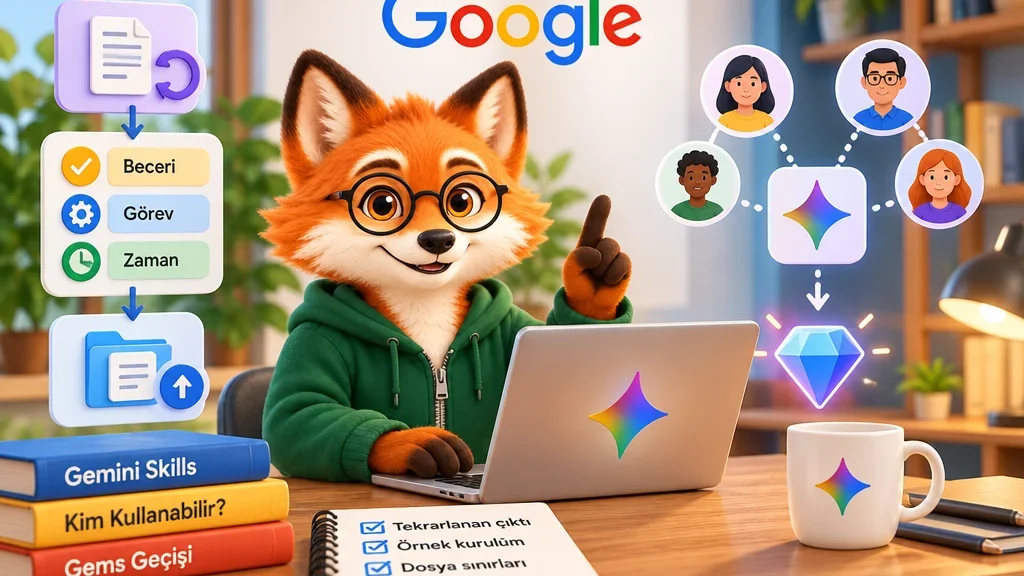
Repeating the same meeting-summary structure or writing preferences in every prompt takes time. Gemini Skills save those recurring instructions and their context for later work. Start with one clear job, then let the skill carry the method.
What part of the workflow does a skill handle?
Google’s September 30, 2026 announcement describes reusable instructions that can be combined in one conversation. A writing-style skill and a brand-guidelines skill, for instance, can work together. Gemini can match a relevant skill automatically, or you can select it explicitly.
A useful distinction is that a task defines the goal, a schedule defines when it runs, and a skill defines how to approach it. Creating a skill alone does not establish a background run at a particular time.
Account and app requirements
The current help page requires users to be 18 or older, signed in, and using Keep Activity. Skills are supported on the web, in the Gemini mobile app and in the Mac app. Chat use does not require a Google AI subscription. The transition page confirms personal-account access while describing expansion to work and school accounts as a separate stage.
Build a focused first skill
On the web, open Customize in the sidebar, then Skills. Under Create, choose Create manually. Add a name, a description explaining when the skill applies, and its instructions. Optionally include reference files, then select Create.
A meeting-summary skill could request separate sections for decisions, owners and unresolved questions, with no invented dates. Invoke it in chat using / followed by its name, then compare the first result with the original notes. I would begin with one recurring output: it is easier to see which instruction helps than when a large rule tries to cover every kind of work.
What happens to Gems and uploaded files?
The Gems transition starts in November 2026 for personal accounts and in 2027 for work and school accounts. Google plans to recreate Gems automatically when they are removed. Users moving earlier can copy their names, descriptions and instructions manually.
Uploaded skill folders require a root-level SKILL.md and have a total 100 MB limit. Scripts that access the internet to act on external websites are unsupported. When moving an existing workflow, check its files and actions against those limits as well as transferring the instructions.