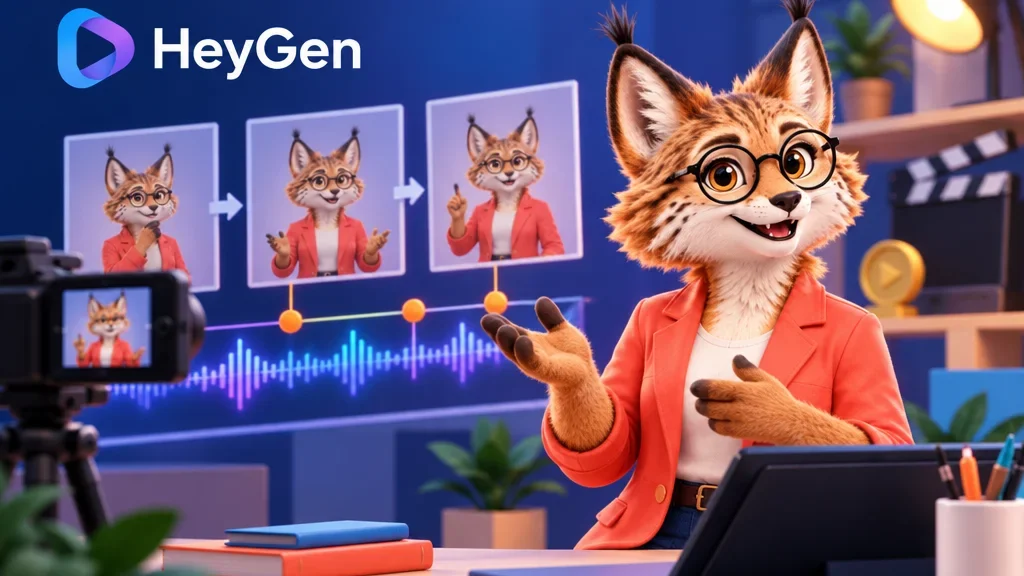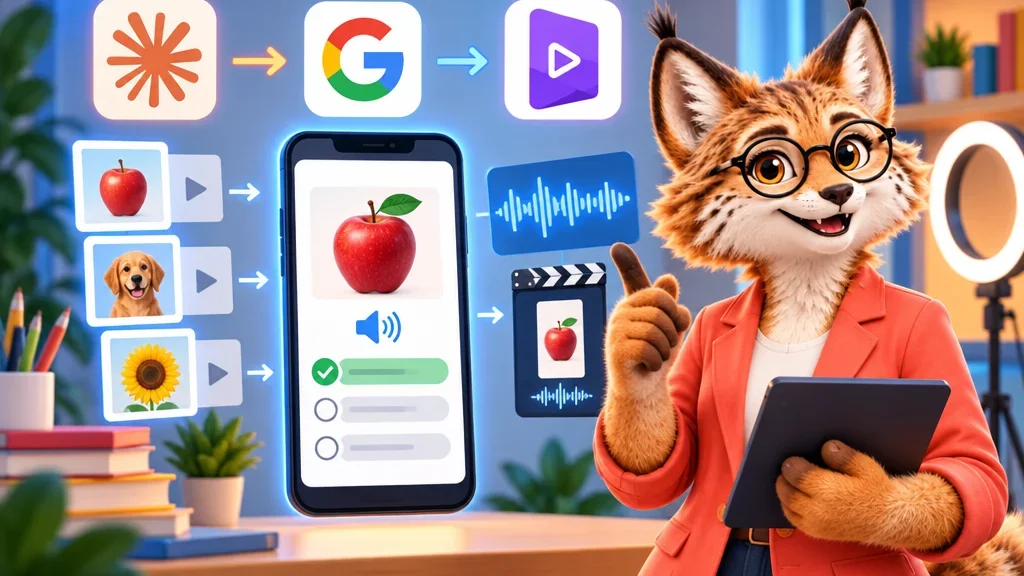

A vertical short usually needs a person on camera, a quiet room and a decent microphone. Higgsfield’s new Shorts Studio tries to replace that setup with a presenter you assemble from images, a script and a voice. The company introduced the tool on its blog on 4 November 2026, and it is now a separate section of the Higgsfield site.
What Shorts Studio produces
Shorts Studio makes vertical 9:16 videos hosted by an AI presenter, meaning a generated on-screen figure who speaks your script. The same presenter can return across a series, which matters if you want a recognisable face for a recurring format. Higgsfield lists more than 25 presets as starting points, and finished videos land in a History tab inside Shorts Studio.
What you have to give it
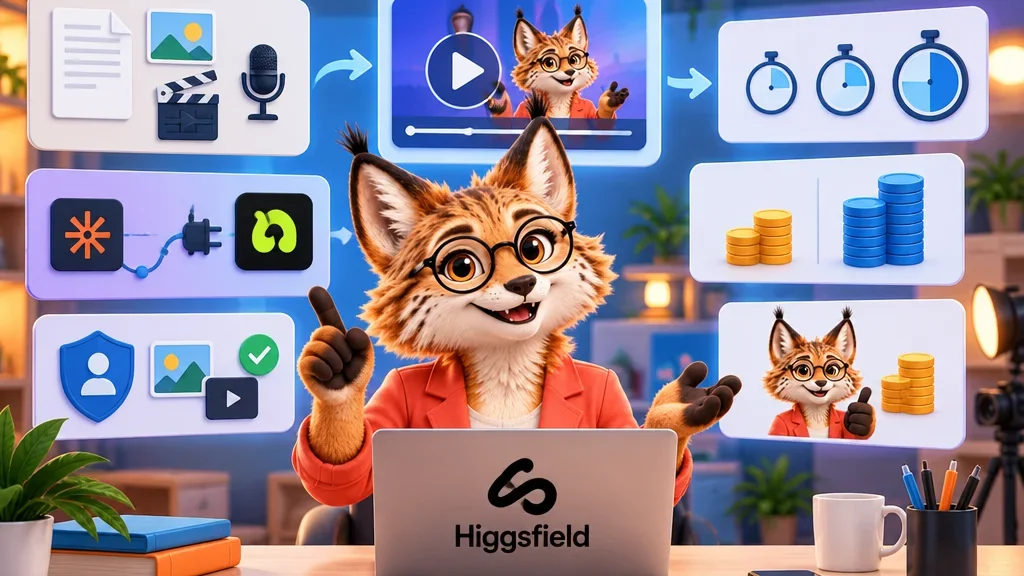
The tool works with three kinds of input. First, the cast: up to 38 images or videos of characters, products or clothing, picked from your uploads, the AI Influencer section, earlier generations or liked items. Second, the script: you can describe a topic and let the tool write the text the presenter will say. Third, an optional reference video of 10 to 120 seconds, from which Shorts Studio extracts motion and transfers it to the new clip. For the voice you choose a male or female preset, a custom voice, or “Auto generate”, which creates a voice matched to the uploaded character.
Length, quality and credits
A short can run 15 seconds, 30 seconds, 1 minute or 2 minutes. There are two quality levels: Basic is described as faster and cheaper with medium quality, while High looks better but costs more and takes longer. The cost appears on the Generate button before you start. Higgsfield’s own table puts a one-minute short at 360 credits on Basic and 960 credits on High, and a two-minute High short at 1,920 credits. The company converts that to roughly 17.64 and 47.04 dollars for one minute, based on its Plus plan at 49 dollars for 1,000 credits.
The route through Claude
At the generation step you can stay on the Higgsfield website or choose to continue in Claude with the Higgsfield MCP. MCP, the Model Context Protocol, is a standard that lets an assistant such as Claude call an outside service’s tools. Higgsfield’s setup guide says you add its connector URL under Customize and Connectors in Claude, sign in with your Higgsfield account, and that generations then draw on the same credit balance. The connector currently requires a paid Higgsfield subscription.
Faces, voices and permission
Higgsfield states that every character, photo and clip in a short should have cleared rights, including the reference clip used for motion, and that any real person’s likeness needs their permission. That applies to your own face too, if someone else’s footage sets the movement.
Our assessment
Where does the eye go first? In a short, almost always to the face, so the presenter carries the whole format. What Higgsfield documents is a pipeline, not a quality guarantee: the company does not publish how close a cloned voice or a reused face will look in practice, and that is the part you should judge on your first render. The credit table is the clearest fact on the page. At High quality, one minute costs nearly three times as much as Basic, so it makes sense to test scripts and motion on Basic before you commit to a polished version.
Ask AI about this article
Opens in a new tab with the question filled in.