
When you’re rehearsing a presentation, you can now talk through the next response in Muse. On November 5, 2026, Meta announced a rollout of live voice and animated avatars. It starts in the US and covers Muse on mobile, web and Mac.
How to start a conversation
When the feature reaches your account, select the phone icon in the upper-right corner of Muse. Meta says you can interrupt the agent as it speaks. In a mock interview, for instance, you can ask for a more specific follow-up as soon as you notice your answer has gone vague. That back-and-forth is where voice changes the rehearsal.
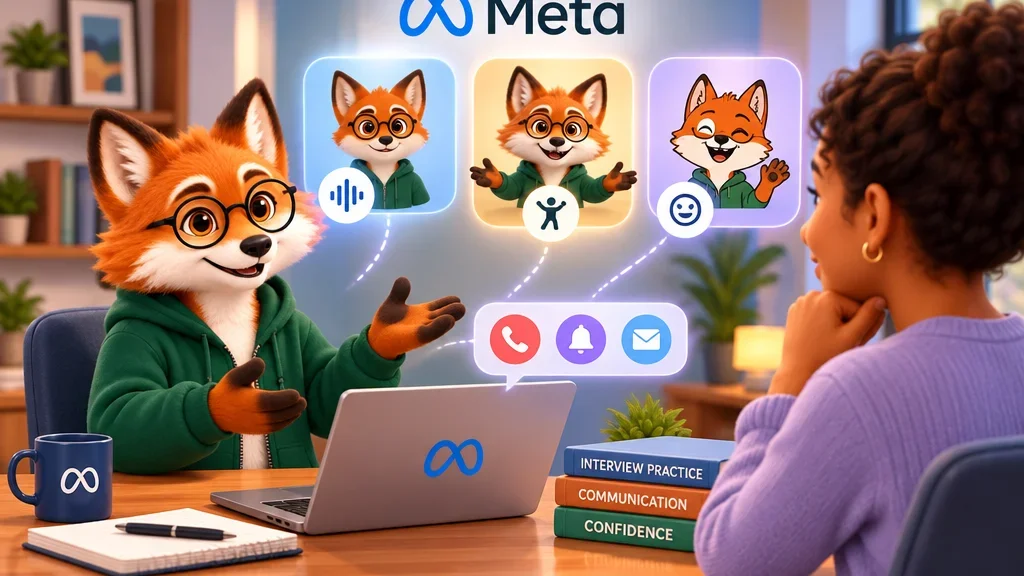
Choose how much of the avatar you want to see
You can use voice alone, keep the avatar beside the conversation or switch to a full-screen view. You can also change the voice style. The avatar generates expressions and gestures as it listens and speaks. Meta says these movements follow the tone of the conversation.
For thinking out loud on a walk, I’d leave the display in voice-only mode. For a presentation rehearsal, the full-screen avatar can give you a conversational focus while you practise when to pause and how quickly to reply. Choose the view for the kind of rehearsal you need.
Where glasses and Muse Charm fit
Meta says voice conversations on AI Glasses and Muse Charm will come later. The rollout announced here starts with the Muse app in the US. If the phone icon is available in your account, try one rehearsal question first and pick the view that suits the exercise.