
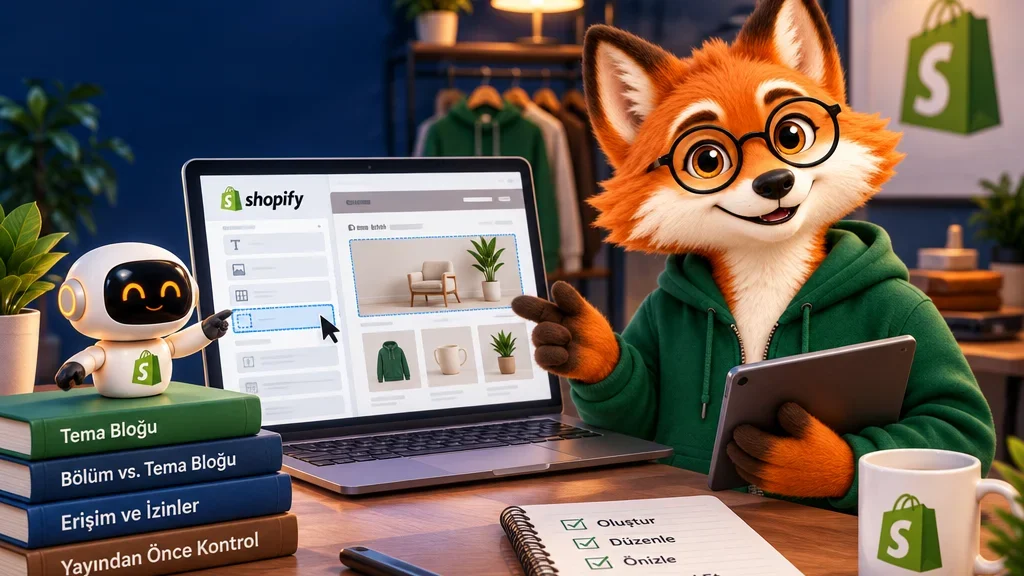
Need a tailored area with an image, heading and button? Describe the layout to Shopify Sidekick and generate a theme block. A block sits inside a compatible section; the two are distinct.
Check eligibility
Shopify says block generation is available on the free trial, Basic, Grow, Advanced and Plus plans, not Starter or vintage themes. A compatible third-party theme must be purchased first. Store owners, administrators and users with Edit Code permission can generate blocks.

From prompt to preview
Open a compatible section in the theme editor, choose Add block and Generate, and describe the content and layout. Specify, for example, where the image and button should sit, how they should stack on mobile and which settings should remain editable. Preview the result, give follow-up instructions if necessary, and keep it when satisfied.
Before publishing, check desktop and mobile layouts, links and generated settings. Shopify notes that generated code may have accessibility or performance issues and that support for customizing or troubleshooting that code is not provided. Test the block against the store’s actual needs.
Ask AI about this article
Opens in a new tab with the question filled in.