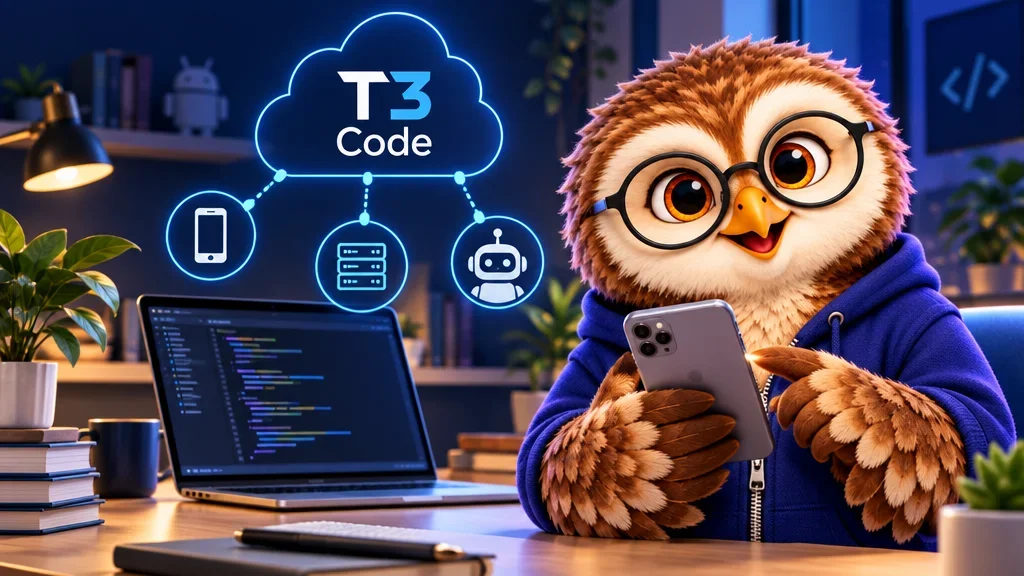
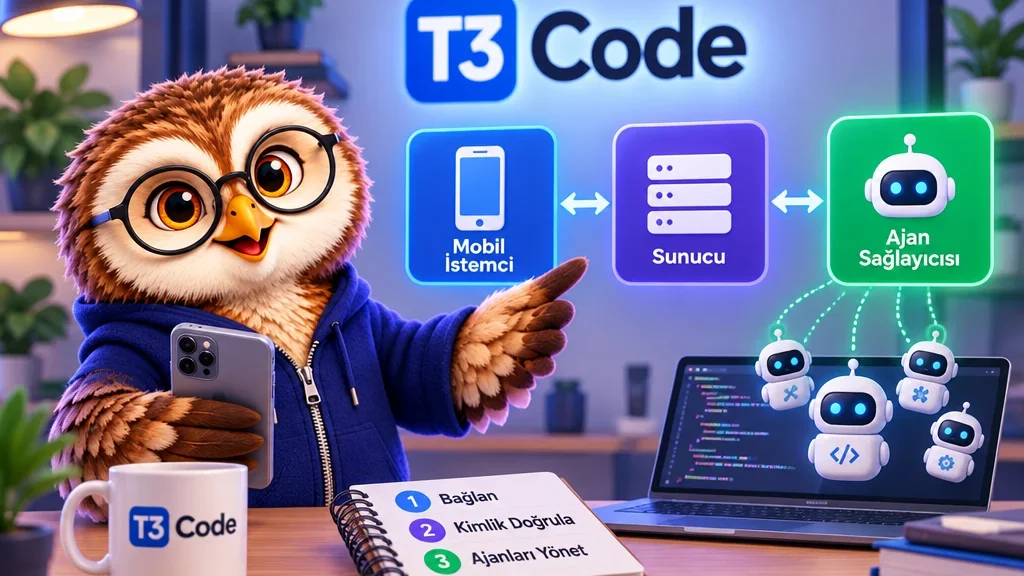
T3 Code lets you manage a coding session from an iPhone or Android phone while the agent runs on a computer. The open-source project also offers web and desktop clients. The T3 Code server runs where your project and authenticated agent provider are available.
Get one provider working on the host
Install and authenticate a supported provider such as Codex or Claude Code on the machine that will run the T3 Code server. Start T3 Code and confirm the provider is available in the local web interface. Connect the mobile client to that same server.
Check the project from your phone
Give the agent a read-only first task. Ask it to identify the project directory and show the test command. The answer helps you confirm that the phone is controlling the intended machine and project before you ask for code changes.