Your project sits in a private GitHub repository, so it feels safe. Then you deploy it, and a website or app that only you could see is suddenly reachable by anyone. A private repo protects who can read your code. It says nothing about whether the running code has holes. Which door are we opening? That is the question to ask before launch.
What /security-review does
Claude Code includes a /security-review command. According to Anthropic’s help article, Claude analyses your codebase, identifies potential security concerns and explains each one in detail. You can then ask Claude to implement fixes in the same session. The command can also be customised.
Which weaknesses it looks for
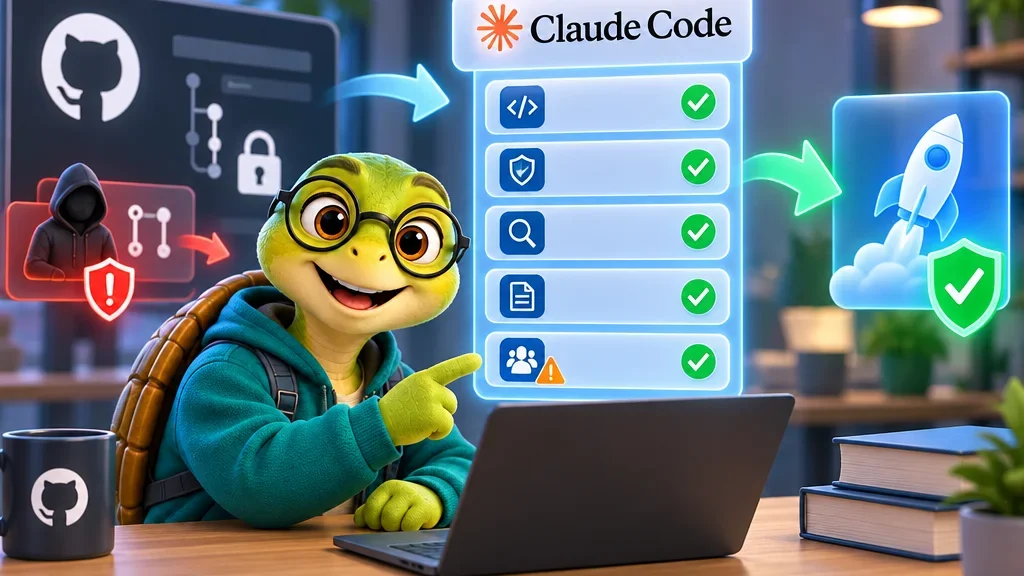
The help article lists five groups. SQL injection, where user input ends up inside a database query. Cross-site scripting (XSS), where a page runs script code an attacker slipped in. Authentication and authorisation flaws, meaning gaps in who can log in and what they may do. Insecure data handling, such as missing validation or sanitisation. And vulnerable third-party dependencies, the packages your project pulls in.
How and when to run it
The steps are short. Update Claude Code to the latest version, or run claude update. Open a session in your project, in the Code tab of Claude Desktop or with claude in the terminal. Run /security-review and read the findings. Anthropic recommends running it before committing significant changes. For a project that is about to go public, the launch is the most obvious significant change.
The GitHub Action for pull requests
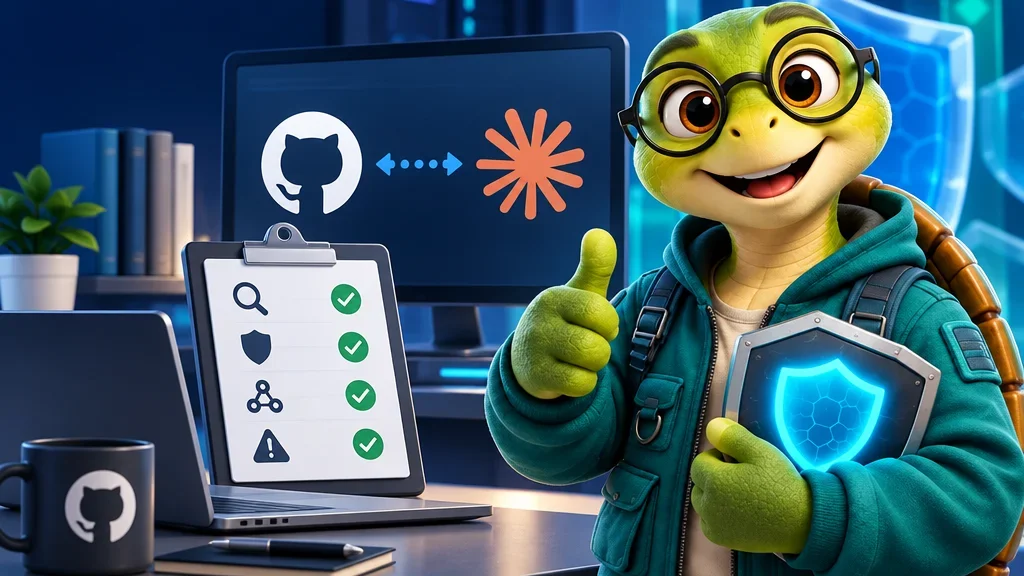
For teams there is also a GitHub Action. A pull request is a proposed change that others review before it is merged. When one is opened, the Action analyses the diff, meaning only the changed files, and posts its findings as comments on the affected lines. Filtering rules aim to reduce false positives. The repository’s list is wider than the help article and includes hardcoded secrets, insecure defaults, permissive CORS settings and code execution risks. Some categories, such as denial of service and rate limiting, are excluded by default.
The setup needs a Claude API key enabled for both the Claude API and Claude Code, and write permission on pull requests. One warning deserves attention: the README says the Action is not hardened against prompt injection and should only review trusted pull requests. Prompt injection means hidden instructions in the reviewed content that try to steer the model. Anthropic suggests requiring maintainer approval before workflows run for external contributors.
Is one scan enough?
No, and Anthropic says so itself. These reviews should complement, not replace, existing security practices and manual code reviews. They detect many common patterns, but not every vulnerability, and filters may need tuning to your codebase.
Editor’s assessment
The fact: the command finds and explains likely weaknesses; it does not certify that an app is secure. My inference: its real value for people building with agents is timing. Run it once before the first deployment, fix what is confirmed, and run it again on later large changes. The pull request warning also matters beyond this tool. An automated reviewer reads untrusted text, so keep it on trusted changes and keep the final decision with a human.