

A Python agent can read project notes, summarise open issues and suggest a test. Two settings in Google’s Antigravity SDK determine how far that job can go. One defines the tools available to the agent. The other determines when a tool call can run.
Give the agent the tools it needs for the job
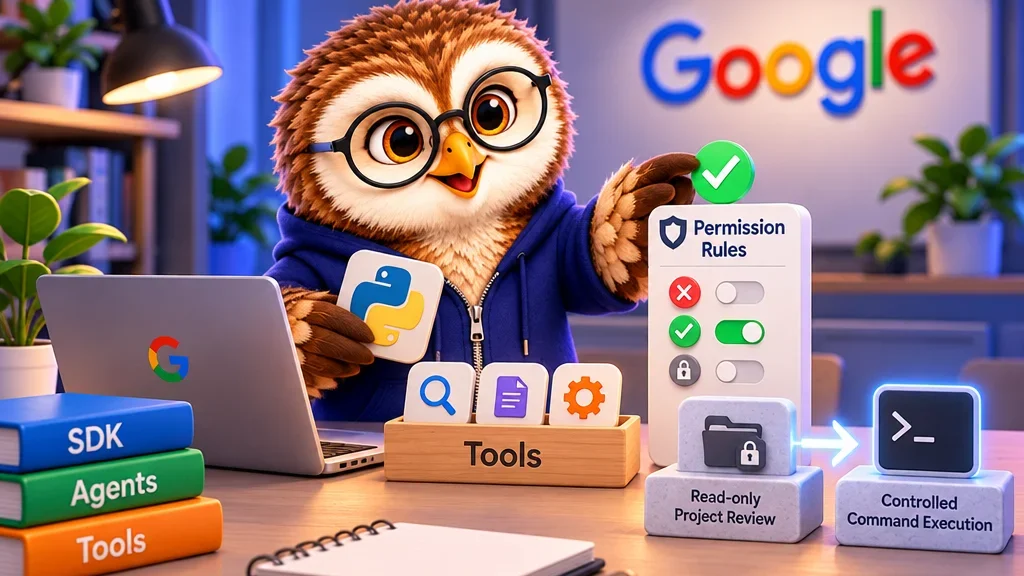
Google documents the Antigravity SDK as a local Python runtime for agents powered by Gemini. Use LocalAgentConfig to configure the agent. Within CapabilitiesConfig, enabled_tools and disabled_tools control the built-in tools it can access. Google shows a read-only tool group that makes a good starting point for a file review. You can also register a custom Python function if the agent needs an operation specific to your project.
Set a policy for actions that need approval
The SDK’s policy engine can allow a tool call, deny it or ask for human approval. If the review agent wants to run a test, make the shell command and project directory clear in the approval prompt. Google documents explicit permission or policy rules for high-risk system operations. Check what your own Python functions read or change as well when you expose them as tools.
I’d begin with an agent that reads files and recommends a test with its reasoning. You can judge whether the recommendation is useful before enabling command execution. If execution becomes part of the job, add an approval path for the expected command and directory. That small scope also makes it easier to identify which setting is responsible if a call fails.