


Before asking AI to build your business website, decide what you want to be able to change afterwards. A polished preview is useful. A heading you can edit yourself next month is useful for much longer. Make that independence part of the brief.
Metics Media’s tutorial demonstrates an integrated workflow involving Claude, WordPress, Elementor and image preparation. The guide below develops a separate acceptance plan for your own project. It is a proposed workflow, not a report of a website tested by FoxAI World.
Define the handover before generating the homepage
Write a short project file containing the visitor’s main task, the required pages and the business facts you have approved. For a service business, the main task might be requesting an estimate. Specify where that button should go and who should receive the enquiry.
Keep unknown prices, opening hours and testimonials visibly unfinished. An attractive sample must never quietly become a business claim. Include your brand colours, fonts and images you have permission to use. Also state what the website does not yet implement: a quotation form, for example, is not automatically a booking or payment system.
Check the environment and the bill
Anthropic’s FAQ identifies the desktop Code tab as Claude Code, available through paid plans or Console access. It is the environment that works with project files, distinct from ordinary chat.
Skills provide reusable instructions for a workflow; Anthropic documents uploading custom skills as ZIP files. Read a third-party package before relying on it. Installing instructions does not establish that every subsequent result is correct. If the original package cannot be located, do not substitute a similarly named download and present it as the creator’s work.
Keep three cost lines: AI access, hosting and domain registration, and optional image generation. Hosting is the service that keeps your site online. Cancelling an AI subscription does not cancel those hosting costs. Check the upfront total and renewal price rather than borrowing a coupon or monthly figure from an older demonstration.
Prove that the output is editable
Elementor’s MCP announcement describes connecting external AI clients to native Elementor structures. MCP is the connection method through which an agent can use the site’s exposed tools.
The current building guide lists WordPress 6.8+ and Elementor Core 4.3.0+, with Pro for advanced abilities. The connection guide lists both Core and Pro 4.3.0+. Because the documentation differs, verify your installation instead of assuming every operation is free.
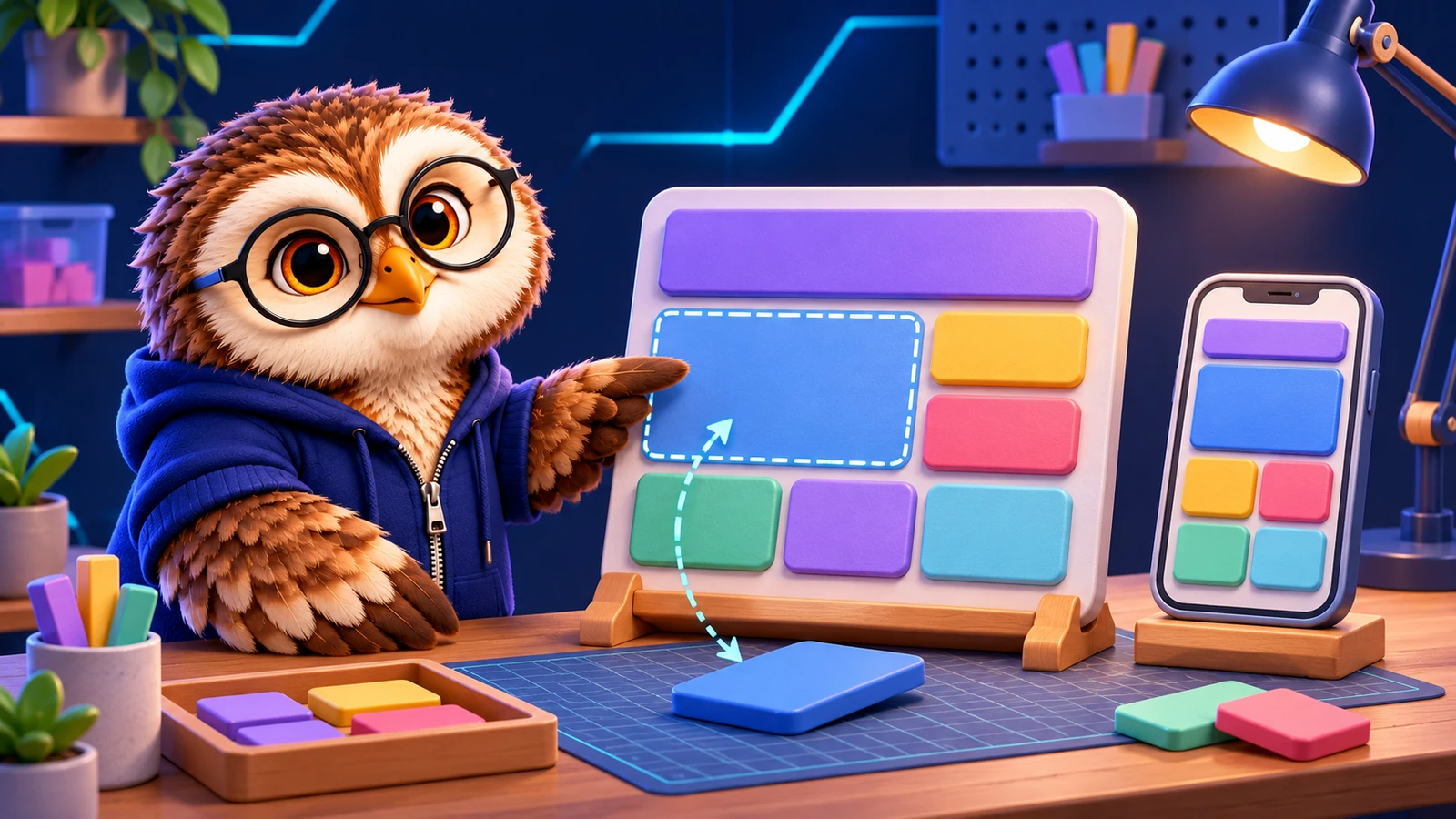
Start with one page. Ask for separate headings, images, text and buttons as native elements. Open the result in Elementor, change one heading by hand, move a section and save. If the entire page lives inside one HTML box, it may not meet your handover requirement. The appearance alone cannot settle that question.
Check the theme-owned header separately from the page body. A tool’s ability to edit the page does not establish that it can change every setting in your existing theme. Record where each part is maintained before repeating the design across the site.
Treat image generation as an optional production step
You may already have suitable photographs. If you use Higgsfield, its official connection guide specifies paid access and credit charges for agent generation. Web unlimited access does not transfer to MCP. It also documents different setup routes for Claude chat/Desktop and Claude Code.
For a real product, write down which details must survive an edit. Better lighting is a different request from a different product. Compare the result with the original for shape, materials, serving size and branding. Reject an altered product image rather than assuming the model preserved it. Label conceptual scenes appropriately instead of presenting an invented room as your business premises.
Use a small acceptance sheet
Explicitly request drafts. Current Elementor documentation includes direct publishing, so do not assume AI-created changes are permanently blocked from going live. Avoid editing the same page in two places at once. If a conflict warning appears, choose the version to keep deliberately.
| Check | Evidence to look for |
|---|---|
| Manual editing | A heading and image can be selected and saved separately |
| Mobile layout | Navigation opens and content stays within the screen |
| Main action | The button reaches the intended page or form |
| Enquiry delivery | Submission confirmation and inbox arrival both work |
| Business facts | Placeholders are removed and details approved |
Try the page at desktop and phone widths. Then send a controlled test enquiry and inspect the receiving inbox. A success message is not proof of email delivery. Keep a note of any remaining defect and repeat the affected check after fixing it; a model’s own score is not a substitute for the result.
Only expand to the remaining pages after the pilot meets those conditions. This keeps an incorrect design or broken form from being copied across the entire project.
Once the remaining pages are approved, make the launch decision explicitly. Afterwards, open the site while logged out and check the pages, navigation and main buttons again. An administrator preview and a visitor’s experience are separate acceptance steps.
Leave a useful maintenance note
Document where to change page content, theme navigation and the form. Keep the approved brief alongside the final check results so future AI sessions have an explicit target.
An application-password connection carries the permissions of the authorizing WordPress account. Revoke that connection in the user profile when it is no longer needed, and keep normal login credentials out of the project notes. The next change should begin with a clear expected behaviour, whether a person or an AI tool makes it.