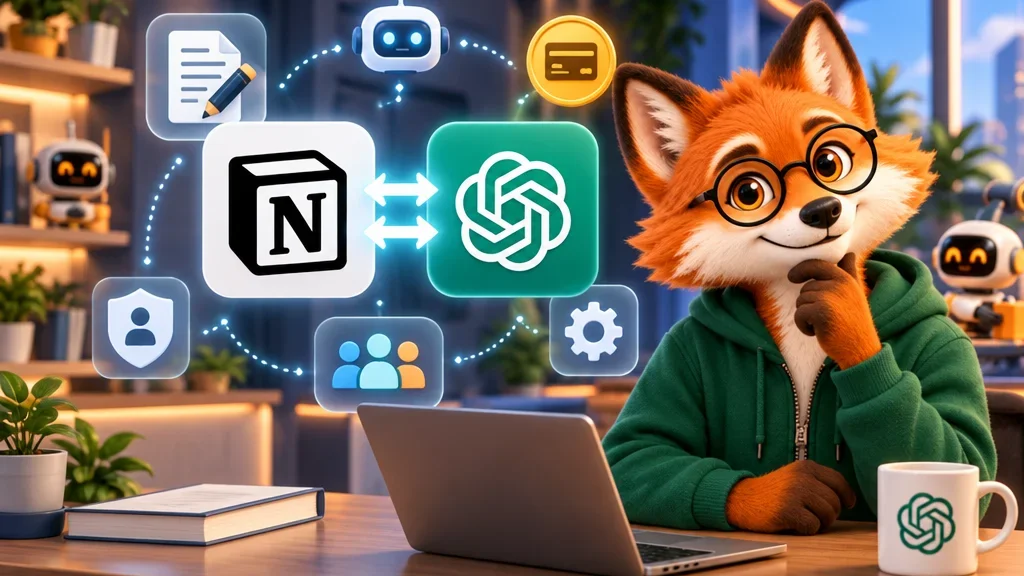
A familiar routine: you ask ChatGPT for a project plan, copy the answer, open Notion, paste it in and fix the formatting. Notion now offers a shorter path. With the Notion plugin, a real Notion page can open in a panel right beside your ChatGPT conversation, and both you and ChatGPT can work on it there. A second change runs the other way: some users can now let their ChatGPT plan pay for sessions with Notion Agent.
What exactly changed?
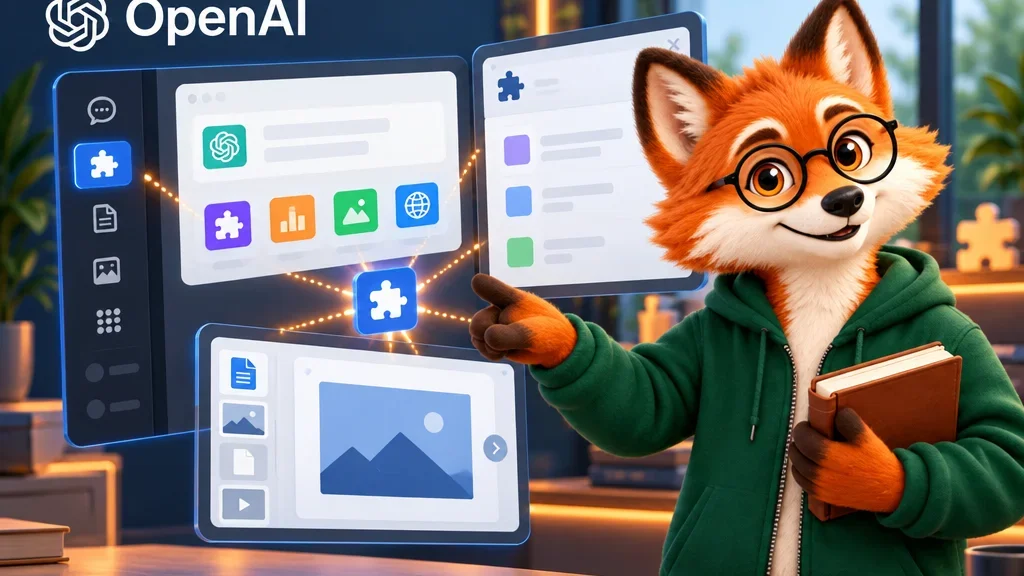
Until now, connecting Notion mostly meant that ChatGPT could search and read the pages your account was allowed to see. You could ask about project notes, but the writing still happened somewhere else. According to Notion’s help page, the panel now lets you open or create a page next to the chat, type on it yourself and watch the changes as ChatGPT makes them.
You can open a page in three ways: ask in the chat, use the Notion entry in the ChatGPT sidebar to search by title, paste a link or pick a recent or favourite page, or start a new page. Notion’s own examples show what the edits look like: turn a list of action items into a database with an owner and a due date for each task, or ask ChatGPT to leave a comment where a plan needs more detail. On Notion Business and Enterprise, ChatGPT can also suggest wording, and the text stays unchanged until someone with edit access accepts it.
How do you set it up, and who can use it?
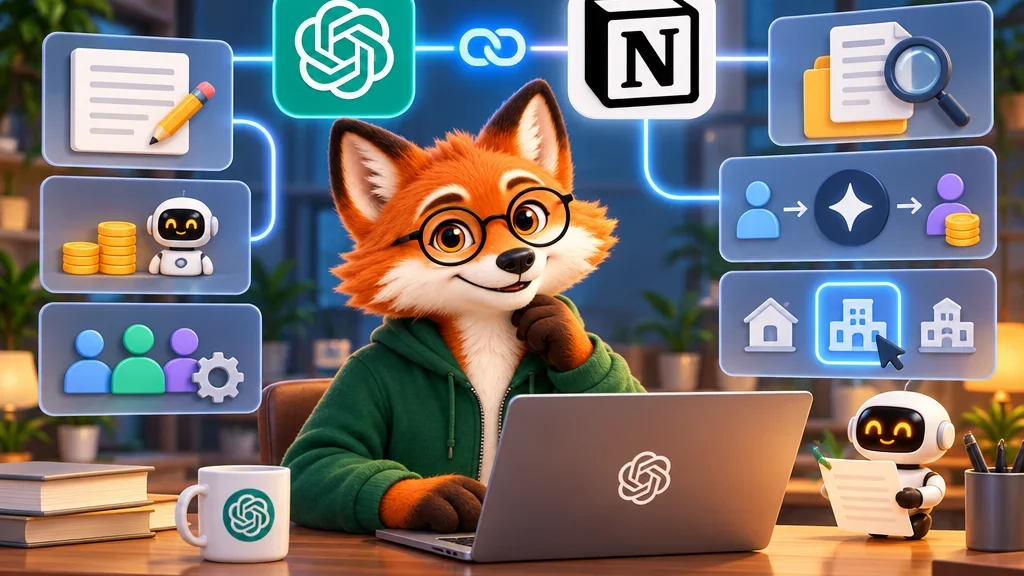
In ChatGPT, you install the Notion plugin, sign in to Notion, pick the workspace and approve what is shared. OpenAI’s help page places this under Settings and Plugins. If you were already connected, Notion says you only need to start a new chat. The panel works in ChatGPT on the web and in the desktop app.
On the Notion side, the panel is available on any plan and is on by default. Inside a company, two people can still say no: a ChatGPT admin may control whether the plugin is allowed, and on Notion’s Enterprise plan a workspace owner can switch the panel off for everyone. If a workspace only allows approved AI apps, ChatGPT has to be on that list.
What can’t the panel do, and what does ChatGPT see?
Some work still happens in Notion itself: managing members, billing and connections, changing sharing and permissions, and using Notion AI. The panel works with one connected workspace at a time and only while you are online. If the connection drops, Notion advises copying any unsaved text before you reload.
The privacy point is worth reading twice. The plugin uses the same connection as Notion MCP. MCP, the Model Context Protocol, is a standard way for AI apps to connect to other tools. Through that connection, ChatGPT can find other pages you can access in the connected workspace, even if they are not open in the panel. Your normal Notion permissions still apply, so the question is less “what is open?” and more “what can my account see?”. Copying a page link from the panel does not change anyone’s permissions.
How does your ChatGPT plan work inside Notion Agent?
The second change concerns Notion Agent, the assistant built into Notion. If your workspace is on Notion Business or Enterprise, you are a member rather than a guest, and you have ChatGPT Plus, Pro, Business or Go, you can connect your ChatGPT account. Each person connects their own account, either in Notion’s AI settings or from the model picker in Notion Agent.
The model you choose decides who pays. If you select a specific GPT model, the session uses your ChatGPT plan. If you select Auto or a non-GPT model, it uses your workspace’s Notion AI credits. The model picker shows which plan is in use before you send a message. When your ChatGPT limit runs out, Notion Agent asks whether to continue on Notion credits and switches back once your ChatGPT usage is available again. The feature does not work with Custom Agents. On a ChatGPT Business plan, the plan’s admin decides which apps can use it and sets the limits.
What happens to your data in that mode?
Notion says these conversations are not saved to your ChatGPT chat history or memory, because the ChatGPT connection is used only for billing and usage attribution. Notion’s agreements with its AI subprocessors still apply, including the commitment that customer data is not used for training, and Notion AI’s own retention rules stay in place: no retention on Enterprise and 30 days otherwise. Workspace owners can see connection and disconnection events in audit logs, but not usage volume.
Our assessment
The panel removes a real copy-and-paste step, but the useful decision comes before the first prompt: which workspace you connect. Because ChatGPT can reach every page your account can see there, a personal or project-specific workspace is the calmer choice than a company-wide one full of HR and finance pages. For teams, the ChatGPT-plan option is mainly a cost question; it pays off only if people consciously pick a GPT model, since Auto quietly keeps spending Notion credits. There’s a simpler handoff here, but a person still has to decide what the agent is allowed to see.