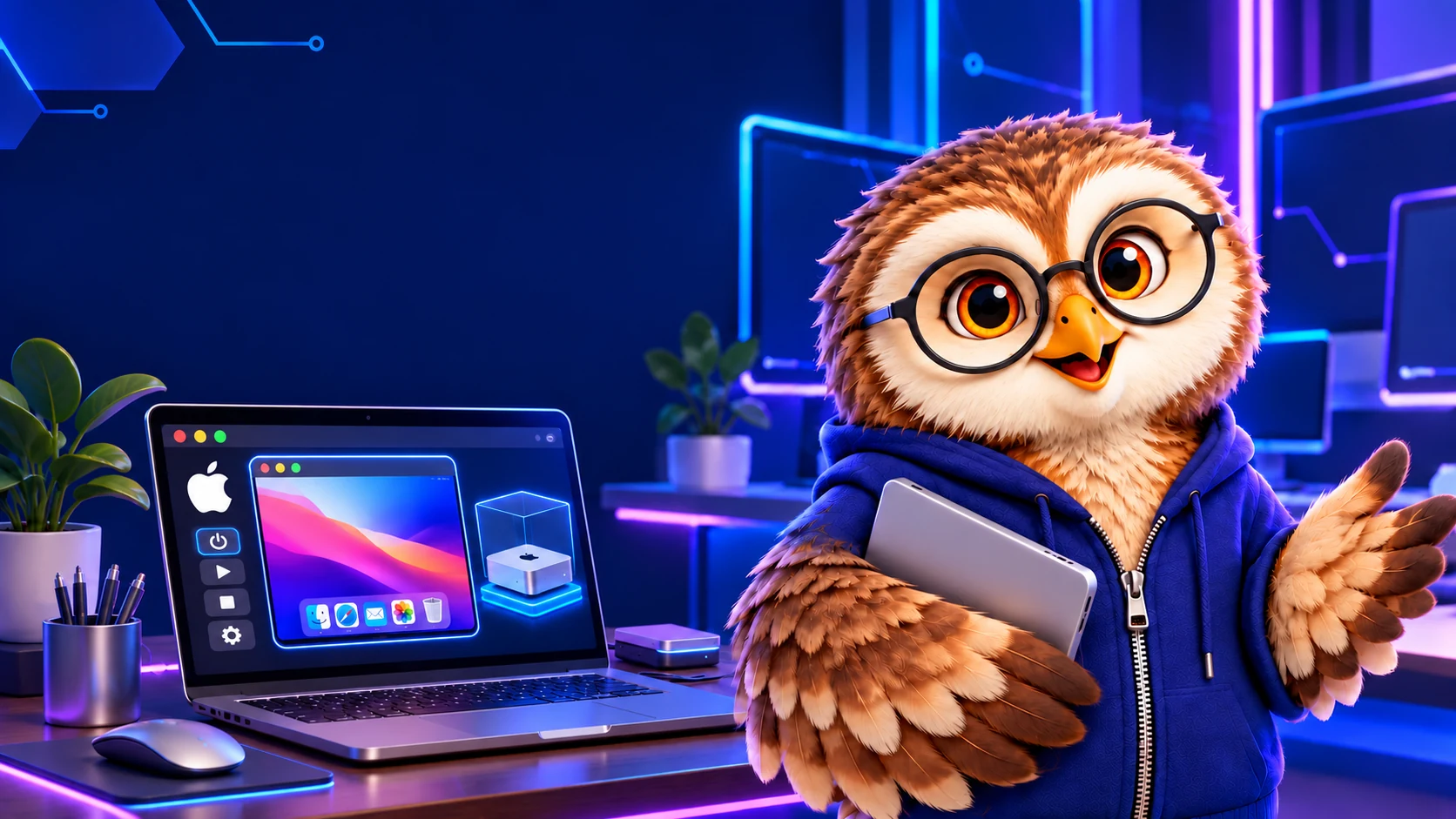
The open-source project Terminal Mac aims to give a computer-use agent a separate virtual macOS desktop. It shows that desktop in a terminal and provides ways for an agent to inspect the screen and send mouse or keyboard actions.
A second desktop on the same hardware
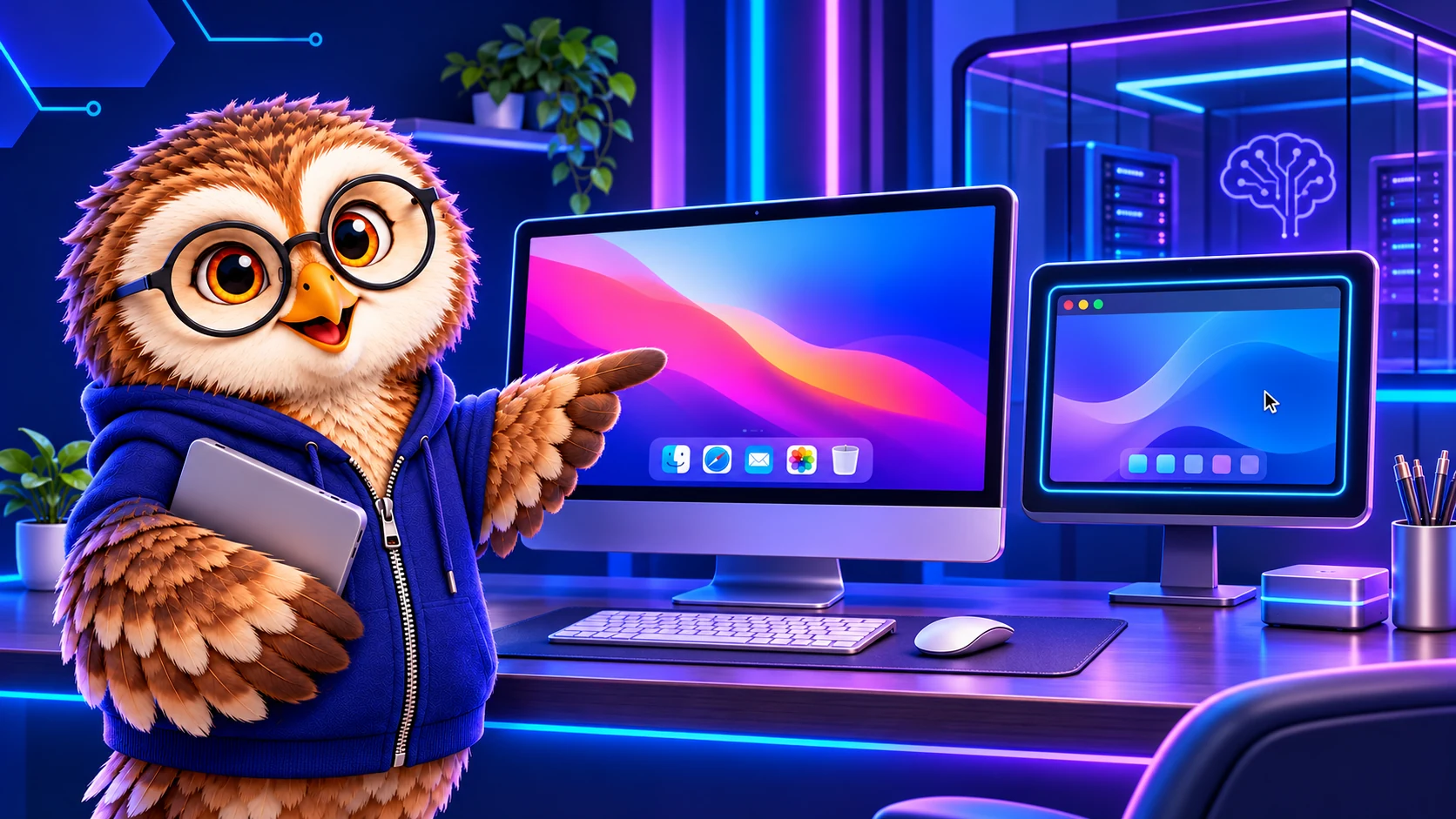
The project’s repository explains that Apple’s virtualization framework runs a real macOS guest. A helper inside the guest captures the screen and relays input; a terminal viewer displays the result. The agent’s actions target the guest instead of moving the pointer on the user’s regular desktop.
The virtual Mac has its own apps, files, accounts and permissions, but still uses the host computer’s processor, memory and storage.
What does it need?
The project requires an Apple silicon Mac running macOS 14 or later, a compatible macOS restore image and space for the virtual disk. Ghostty, Kitty and iTerm2 support the inline viewer; other terminals can use a native virtual-machine window.
Setup is interactive: a person creates the guest account and grants screen-recording and accessibility permissions inside the guest. Through MCP, an agent can request actions such as screenshots, clicks and typing.
A separate desktop is not an isolated network
The repository calls this an early release candidate and says a clean-Mac live installation check remains pending. Its default networking can reach the internet and potentially services on the host or local network. An offline option removes that network device, so the degree of separation depends on the configuration.