
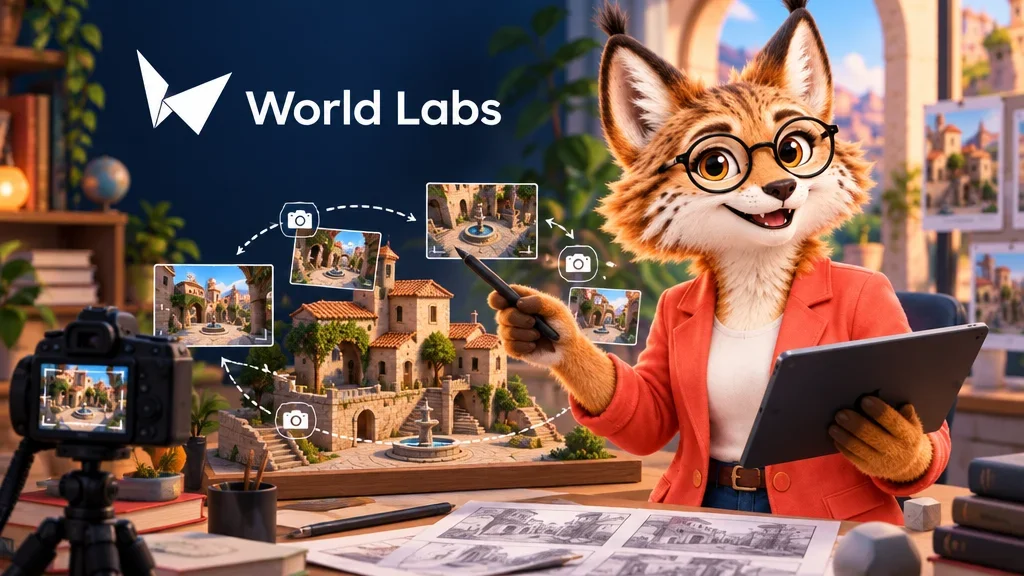
A photograph taken from a courtyard entrance tells you little about how the doorway reads from the other side. World Labs’ Atlas can generate views using reference images and specified camera positions. Those images can help you sketch an establishing shot, a reverse angle or the transition between them before building a shot list.
Establish the space before placing the next camera
For an existing location, World Labs’ beta documentation recommends sharp photos with overlapping views. If you shoot from two corners of a courtyard, keep the same doorway or wall corner visible in both. These shared details help the system estimate how the views are positioned relative to each other. The documentation also recommends a mostly static scene with similar lighting and exposure across the references.
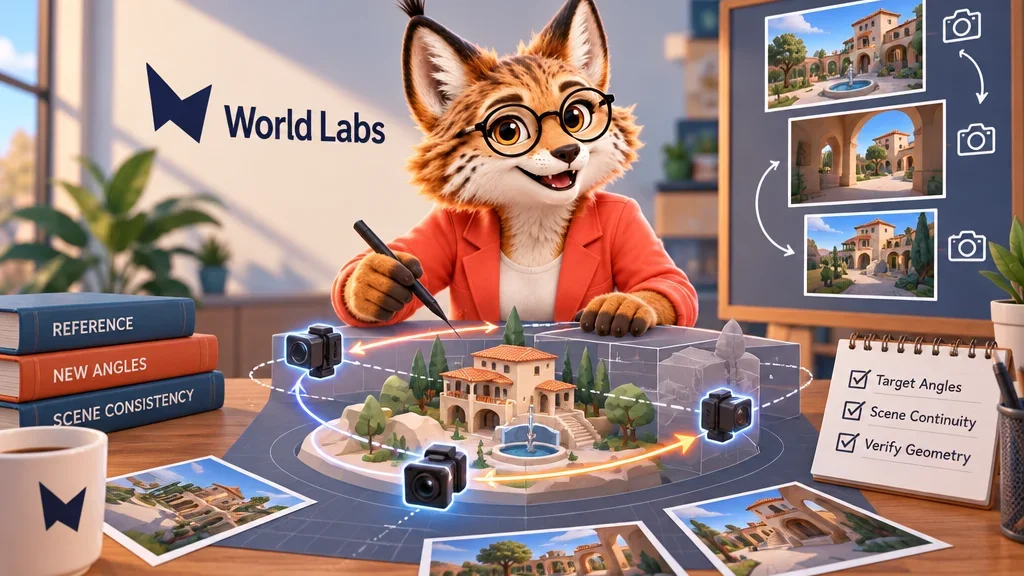
Once the starting views are in place, set the target camera’s position and direction. Put one camera in front of the entrance and another inside the courtyard looking back. Use the output as a reference for composition. Check where the doorway falls in each frame and whether the cut between them would keep the viewer oriented.
Mark what the model had to infer
Atlas can invent plausible details beyond the original views. A generated view of a corridor behind the wall cannot establish that the corridor exists at the real location. I’d compare the door, the corner and the route through the set across the proposed angles. That simple continuity check makes the images more useful than a collection of individually attractive frames. If a detail matters to the real shoot, ask for another photograph. For a fictional set, record it as a design decision and keep it consistent across later views.