You upload a holiday snapshot, ask ChatGPT to swap the beach for a neutral studio backdrop, and the person who comes back looks like a cousin rather than you. Until now, that small drift was one of the most common frustrations with AI photo editing. With ChatGPT Images 2.6, released on November 4, 2026, OpenAI says it has tightened exactly this weak spot.
What OpenAI released
Images 2.6 is OpenAI’s new image generation model. It is available in ChatGPT, in Codex, OpenAI’s coding environment, and through the API, the interface developers use to build the model into their own apps. According to OpenAI’s release notes, the model creates images faster and is better at preserving details across edits. OpenAI’s launch post puts the speed gain at 50 percent compared with the previous version.
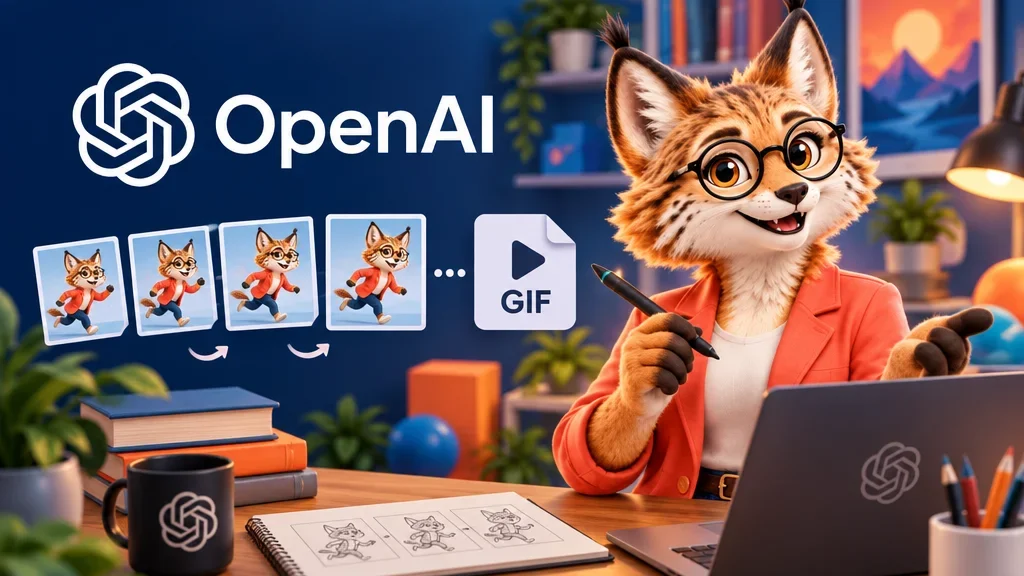
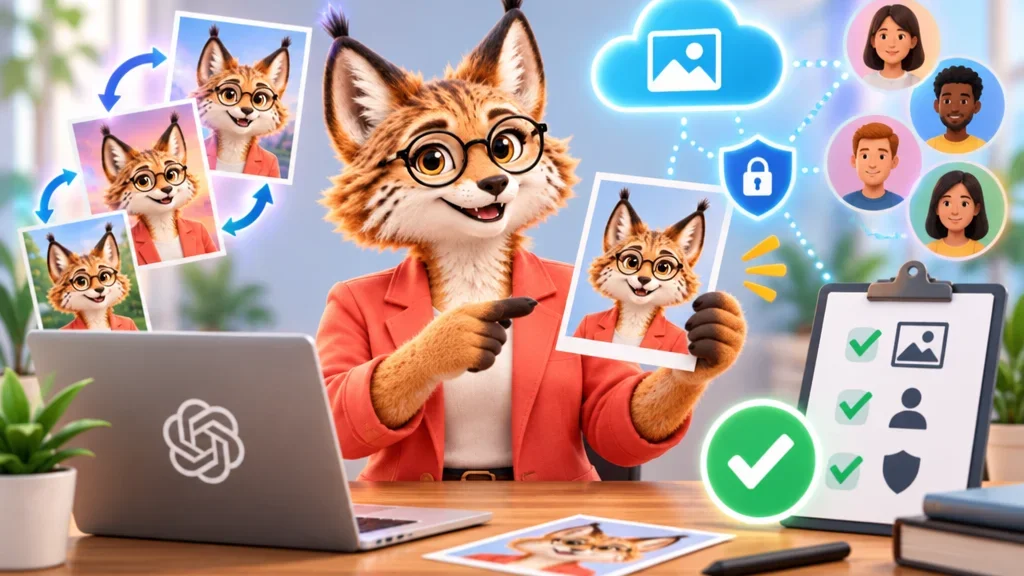
The same release adds two features in ChatGPT: animated GIFs and saved reference images. Both build on the same idea: the thing you care about in a picture should stay recognisable while everything around it changes.
What preserving details across edits means in practice
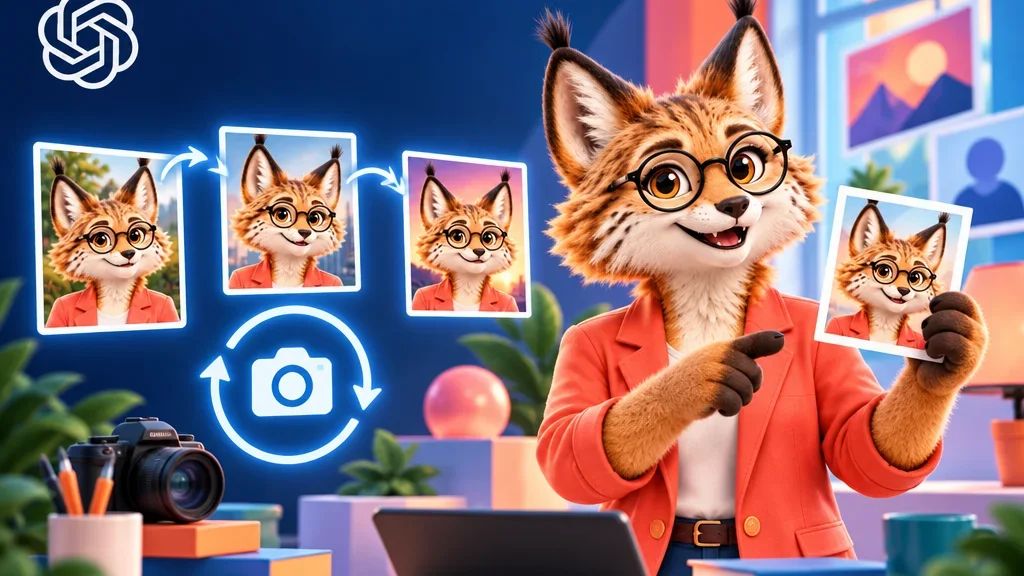
OpenAI’s own example is simple: you change the background, and the character’s outfit stays the same. In the launch post, the company says characters, products and brand details remain consistent while you edit. For anyone working with photos of real people, that is the part that matters most. An edit should touch only what you asked to change, not quietly redraw the face, the hairline or the jacket along the way.
It helps to be precise about what this is and what it is not. OpenAI describes better consistency, not a guarantee of an identical result. A model that redraws an image still recalculates every pixel, so small shifts can remain, especially when the original photo is blurry or poorly lit and the model has to fill in missing information. Where does the eye go first? In a portrait, it goes to the eyes, the shape of the nose and the corners of the mouth, and those are the places worth comparing against your original before you use an edited picture anywhere official.
Can free users use it?
Yes. OpenAI says Images 2.6 is available starting November 4 worldwide on desktop, mobile and web, across all subscription plans in ChatGPT and Codex. That includes free accounts. Usage limits still depend on your plan, and OpenAI’s announcement does not list separate numbers for the free tier, so a free account is a place to try the model rather than to run large batches.
What saved reference images are
A reference image is a photo you give the model as a template, for example a picture of yourself, your dog or a product. With saved reference images, you no longer have to upload that photo again in every new chat. OpenAI’s release notes give the example of saving a photo of a dog as Pepper and later asking for a watercolour portrait of @Pepper, without uploading anything a second time.
This is convenient, and it also deserves a moment’s thought. A saved reference image is a photo that stays in your account so it can be reused. For a product shot or a pet, that is rarely a concern. For a clear portrait of your own face, it is reasonable to decide consciously whether you want it stored, and to remove it once you no longer need it. The same applies to other people: putting a friend or relative into a picture should happen only with their agreement.
What else changed
GIF creation is rolling out in ChatGPT. You can ask for a looping animation, or upload a sketch and ask for the character to wave, then adjust the playback speed and share the result. For developers, OpenAI offers two API models: GPT-Image-2.6 Flare, which the company says can produce an image in as little as six seconds at low quality, and GPT-Image-2.6 Sunburst, aimed at more detailed work and stronger consistency across edits at medium or high quality. OpenAI also reports that users now create 4 billion images per week across ChatGPT, Codex and the API.
Our assessment
The facts are clear: a faster model, better consistency across edits, saved references and GIFs, available on every ChatGPT plan. The interpretation is ours. The most useful change for everyday users is not speed but restraint, a model that changes less of what you did not ask it to change. That makes practical uses such as a calmer profile picture, a greeting card or trying a new hairstyle on your own face far more realistic than before.
Still, “more consistent” is a statement about averages, not about your specific photo. Start from a sharp, well-lit, front-facing original, state plainly in your prompt that the face should stay as it is, and compare the result with the original before you use it for a job application or an ID-style portrait. If something looks slightly off, it usually is.