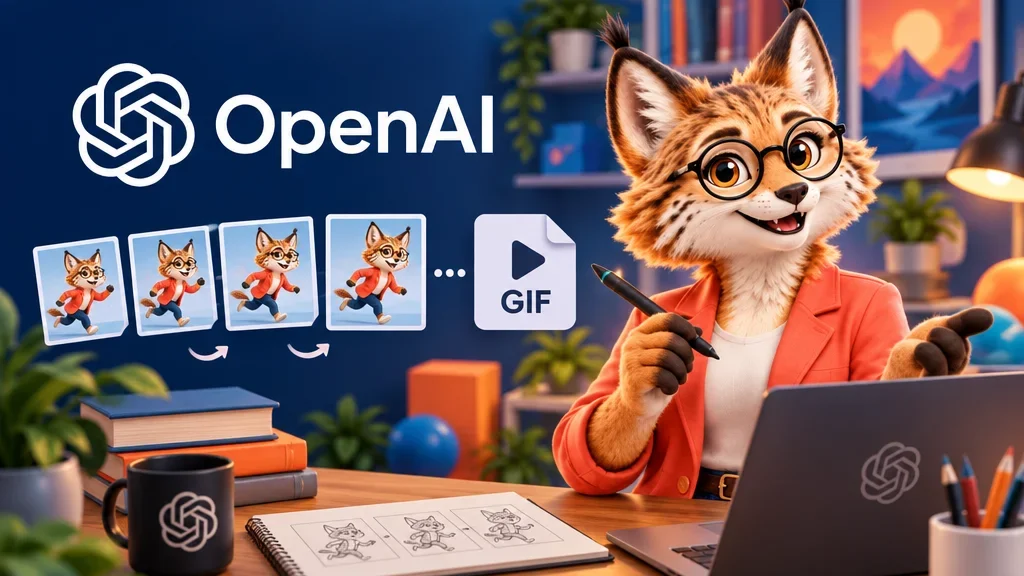
If all you want to move in a drawing is a paper boat rocking gently on the water, ChatGPT Images 2.6 can turn that movement into a looping GIF. OpenAI introduced the model on November 4. Images is available on all plans on the web, iOS and Android. GIF creation is rolling out gradually, so access to Images alone does not mean the feature has reached your account.
Describe the motion first
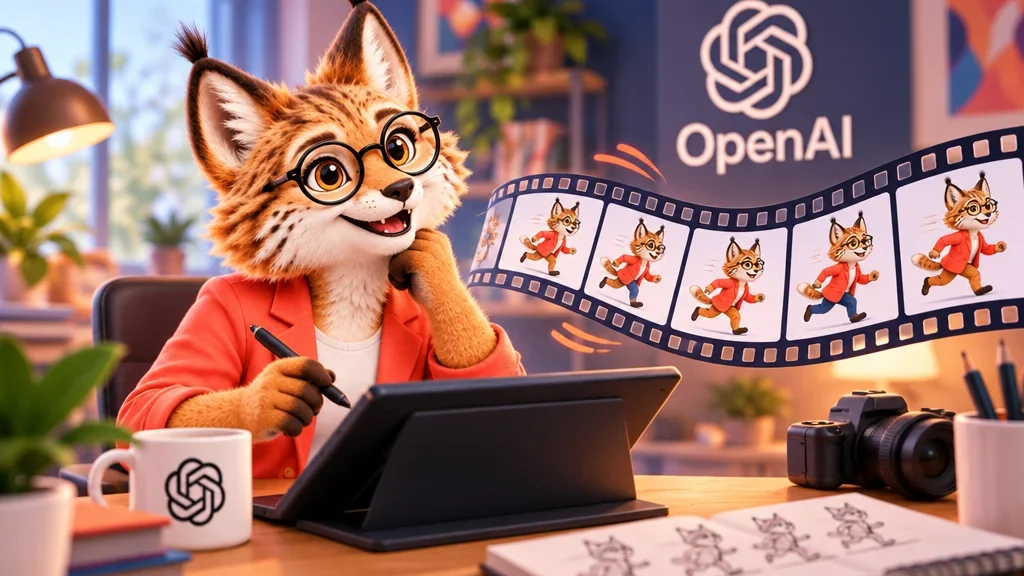
Ask for a looping GIF in chat and say what should move. If you have a drawing, upload it as a still image and describe the motion you want. For instance, ask for the boat to rock gently while the camera and horizon stay fixed. Specifying the moving part and the details that should stay in place makes it easier to see what needs another pass.
Change the motion or adjust playback
If the boat rocks too far in a GIF ChatGPT created, describe the edit in the conversation. If the motion looks right but plays too fast, open the GIF and change its playback speed. You can also save it to your device or share it there. ChatGPT cannot edit an animated GIF you upload. A still frame can serve as the starting point for a new animation.
What Images 2.6 improves across edits
OpenAI says the model generates images faster and keeps details more consistent across edits. One example is changing a background while keeping a character’s outfit. When refining an image over several rounds, check the same detail each time so you can tell which revision produced the change you wanted.