
Most agent work stalls at the same point: the agent can edit files and run commands, but the information you actually need sits behind a browser tab you are already signed into. OpenCode Browse is aimed at exactly that gap. It lets a coding agent work in your real browser, with your tabs, logins and extensions, instead of a fresh, empty browser that knows nothing about you.
What OpenCode Browse is
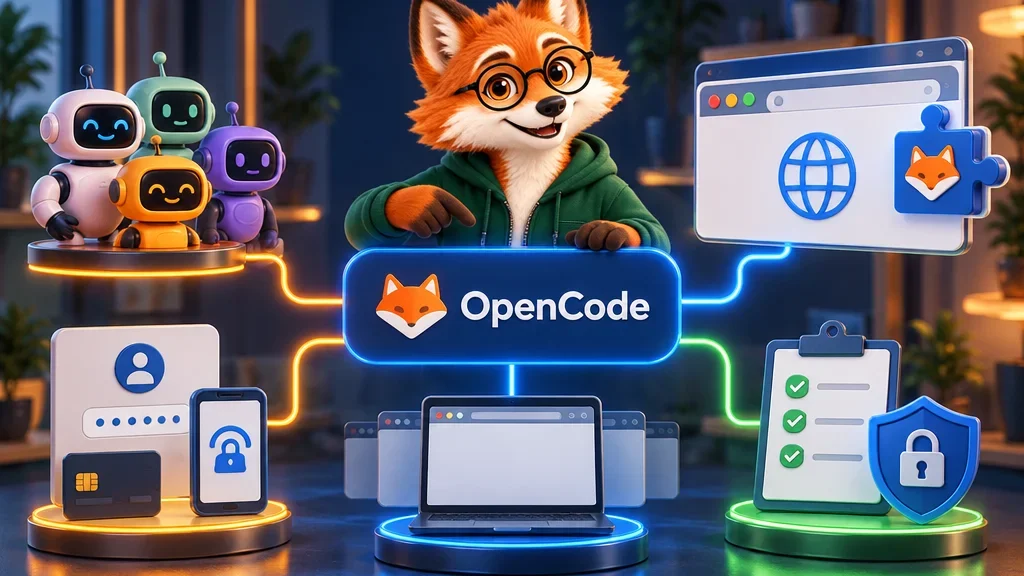
OpenCode Browse, published as the open-source project browse, has two parts. The first is an MCP server. MCP, the Model Context Protocol, is a common way for AI agents to plug in external tools. The second is an extension for Chromium-based browsers. A small local relay connects the two, so the agent sends a command and the extension carries it out in your browser.
The project is built for opencode, the terminal-based coding agent, and is released under the MIT licence. That means anyone can read, use and adapt the code.
Which agents and browsers can use it
Although it comes from the opencode side, browse is not locked to opencode. The README lists around 35 compatible clients, including Claude Code, Claude Desktop, Codex, Cursor, VS Code in Copilot agent mode, Windsurf, Zed and Gemini CLI. Any MCP client that starts tools over standard input and output can add it with a simple config entry that runs browse mcp.
On the browser side, it supports Chrome, Edge, Brave, Arc, Helium, Vivaldi, Opera and Chromium. If you already have an agent you like, you can give it browser access without switching tools.
How it stays out of your way
The most practical design choice is where the agent works. Tabs the agent opens appear in the background of your window, grouped and collapsed. You keep typing in your own tabs while the agent reads pages in its own group. If you prefer a clean split, you can send agent tabs to a separate window or switch grouping off.
Agent tabs that sit untouched for 10 minutes close automatically. You can stretch that to 30 or 60 minutes, or turn it off. You can also lend the agent a tab you already have open: click the toolbar button, the badge shows ON, and click again to take it back. Agents cannot close a tab you lent them.
Tabs can also be recorded to MP4 or WebM. A “flight recorder” keeps the last minute of video and saves it when something breaks, which makes it easier to see what the agent actually did.
Safety controls and their limits
Here is the human decision point. When the agent reaches a login page, a two-factor prompt or a payment, it hands the tab back to you. You complete that step yourself and click Continue. The agent does not need your password, and it does not pay for anything on its own.
You can also narrow what a session may visit. A command such as browse session new research --allow-origin example.com limits the session to the sites you name, and the relay blocks navigation and new tabs to other hosts. The relay listens only on your own machine (127.0.0.1) and requires a local token. In the README’s words, nothing leaves your computer except what your agent sends to its model provider. Session journals are deleted after 14 days.
The README is also candid about the limits. The code an agent runs through the execute tool is not a security boundary, so treat it as running as you. If you drive a browser on another computer, browse does not encrypt that link, and the project recommends a network that does, such as Tailscale or WireGuard.
How to install and pair it
On macOS or Linux, one line installs it: curl -fsSL https://opencode.ai/browse/install | bash. Windows uses a PowerShell command, and with Node.js 22.19 or newer you can run npx @opencode/browse install. The installer checks the binary’s SHA-256 hash, adds the browse MCP server to the agents you choose and connects the extension through the Chrome Web Store.
Each browser pairs with the relay once. If you need to do it by hand, run browse pair and enter the printed code in the extension’s options. The code works once and expires after 10 minutes.
The project is still young. The v0.0.7 release made browse a single binary, added a new setup page and fixed an npm package that crashed on launch in 0.0.6. The release page already shows over 200 further commits since then, so expect changes.
Editor’s assessment
The facts above come from the project’s own README and release notes. My view goes a step further: the handoff at logins and payments matters more than any single feature. Many browser agents are judged by how much they can do alone. browse is designed around where it should stop, and that is the right starting point for anyone letting an agent into their real browser.
That said, a real browser also means real sessions. My practical advice is to start with read-only jobs on an allowlist, keep recordings on, and only widen access once you trust the results. So before the first task, ask one question. Who takes the next step?